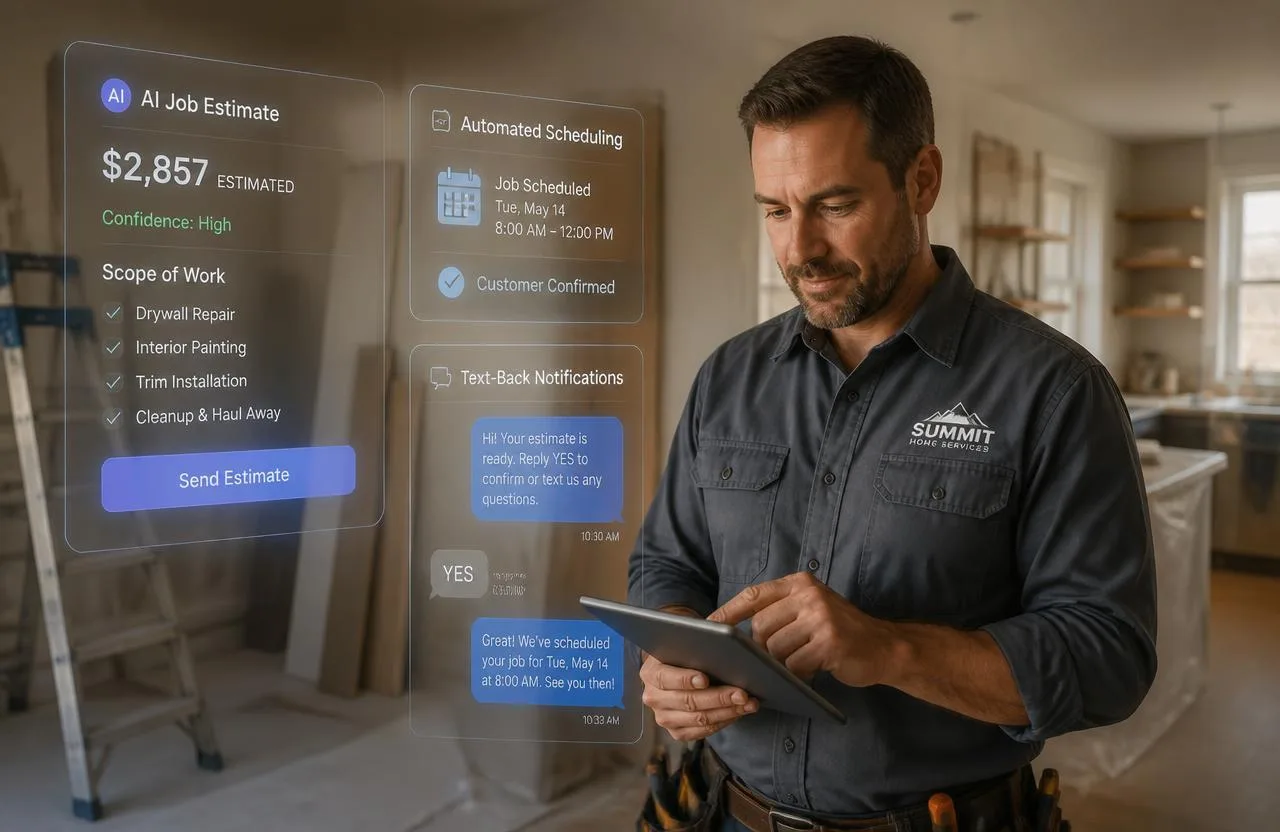
Best Handyman Software in 2026: Complete Guide to Running a Smarter Handyman Business
Compare the best handyman software for 2026 — CRM, scheduling, estimating, and invoicing — and match a platform to your team size and budget.
Every handyman eventually reaches a point where the work isn't the problem — customers are happy, jobs get done well — but somewhere between unanswered calls, estimates nobody followed up on, invoices sent three days late, and a schedule that lives entirely in one person's head, the business stops growing and starts feeling unmanageable.
That's not an effort problem. It's an infrastructure one. The right software organizes the schedule, automates customer communication, builds professional estimates in minutes, collects payment on completion, and keeps a full history of every customer in one place. This guide covers what handyman software actually does, the leading platforms in 2026, and how to match one to where your business is right now.
What Is Handyman Software?
Handyman software is a business management platform built for the specific workflow of handyman and home service work — replacing scattered calendar apps, spreadsheet customer lists, and text-message coordination with one connected system covering everything from first inquiry to final payment.
Handyman work has one quirk that single-trade field service doesn't: the variety. A single day might mix a flat-rate doorknob swap, an hourly faucet repair, and a materials-plus-labor fan install. Software built around one rigid pricing model creates friction here — the platforms that serve handymen well build flexible billing into their estimating tools from the ground up.
Why Dedicated Software Pays Off
Doing more than about five jobs a week is usually the point where professional software starts paying for itself — a polished estimate wins more jobs than a handwritten quote, and an invoice with a payment link gets paid faster than one that isn't.
The specific failure points are consistent: leads arrive mid-job and get forgotten, estimates take too long and lose to a faster competitor, invoices go out late and slow down cash flow, and past customers never hear from the business again. Good software doesn't require you to become more organized as a person — it builds the follow-through into the system itself.
Key Features to Look For
- Flexible estimating with a price book. Preset flat and hourly rates for common jobs — TV mounting, fan installs, drywall patches — turn a five-minute estimate into a thirty-second one.
- Mobile-first design. Most of your actual use happens on a phone between jobs, not at a desk.
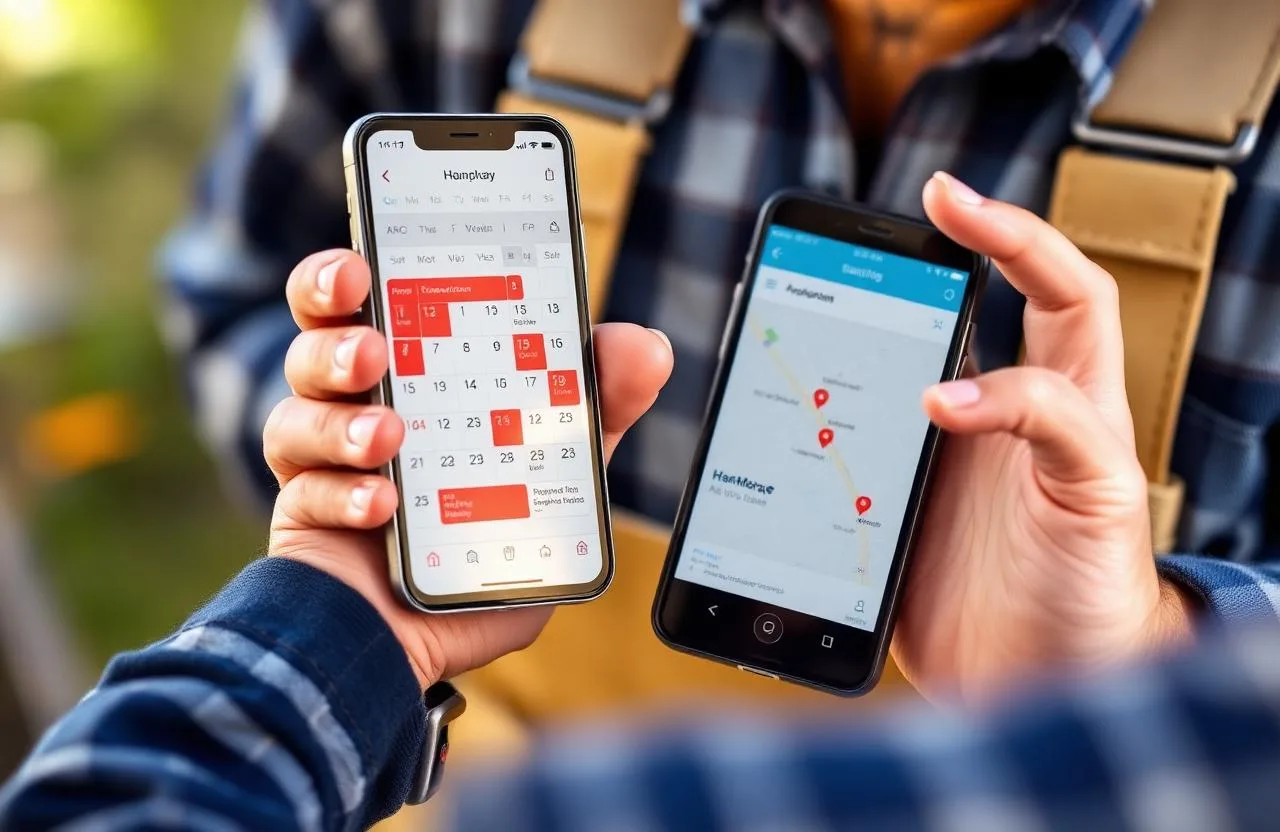
- Scheduling with automated notifications. A drag-and-drop calendar that prevents double-booking and sends its own reminders.
- Integrated invoicing and payment. An invoice created and paid the moment a job wraps, not rebuilt from scratch later.
- CRM and customer history. So a returning customer's call starts with you already knowing their last job and what you charged.
- Automated follow-up. For cold estimates, customers who haven't booked in months, and completed jobs waiting on a review.
Best Handyman Software in 2026
Pricing across this category typically runs $30–$80/month for a solo operator and $100–$250/month for a small team, though a few platforms scale differently — noted below where that matters.
FixerCRM — Best Complete System for Home Service Handymen
Best for: handymen who want a professional website, CRM, scheduling, estimates, invoicing, and lead automation working together from day one, instead of managing several separate tools.
FixerCRM starts from a different assumption than most platforms on this list: that operations tools alone aren't enough if the business also needs a consistent source of leads. It bundles a custom handyman website with built-in lead capture, a CRM tracking every customer relationship, missed-call text-back automation, connected scheduling and online booking, and automated follow-up sequences — all working as one system rather than requiring integration between separate tools.
Pricing: $97/month flat, $0 setup fee, no contracts. Request your free quote.
QuoteIQ
Best for: handyman businesses with one to fifteen employees wanting AI-assisted estimating and a transparent, published price.
QuoteIQ's Quick Estimates feature sends a professional quote from a phone in under thirty seconds — a real edge given how much estimate speed affects who wins a job. It also includes an AI-assisted estimator, self-quoting forms customers can fill out without a site visit, and CRM basics covering scheduling and follow-up in one interface. The pricing scales gradually rather than jumping sharply the moment you add a first employee.
Pricing: Essentials $29.99/month · Beginner $74.99/month · Pro $149.99/month · Elite $299/month · Max $699/month.
Jobber
Best for: small teams of two to ten wanting a polished, widely-used platform with strong scheduling and QuickBooks integration.
Jobber's calendar supports several views and route optimization that sequences a day's jobs efficiently, and its client hub lets customers approve quotes and pay online. Automated invoicing and review requests run without manual triggers.
Pricing: Core ~$39/month · Connect ~$119/month · Grow ~$199/month.
Housecall Pro
Best for: businesses with consistent job volume wanting scheduling, CRM, and marketing automation together.
Housecall Pro pairs drag-and-drop scheduling and GPS tracking with automated text/email sequences, same-day payouts through Instapay, and consumer financing for bigger jobs. Estimating and QuickBooks sync sit behind the Essentials tier rather than the base plan.
Pricing: Basic $59/month · Essentials $149/month (5 users) · MAX $299/month (8 users).
FieldPulse
Best for: mid-size operations (5–15 technicians) that have outgrown Jobber but don't need ServiceTitan's scale.
FieldPulse's Good-Better-Best tiered estimate presentation is a genuine differentiator for lifting average ticket size, and its flat, unlimited-user pricing is more cost-effective than per-technician platforms as a team grows.
Pricing: From ~$208/month (annual billing) — requires a custom quote.
Kickserv
Best for: a free or low-cost starting point before investing in a fuller platform.
Kickserv's permanent free plan covers two users with basic scheduling, CRM, and invoicing — genuinely usable for an early-stage handyman, with paid plans starting around $47/month.
Markate
Best for: budget-conscious solo handymen wanting real CRM basics below Jobber or Housecall Pro's entry price.
Markate's advertised $39.95/month base is real, but the effective cost climbs quickly once online booking, photo documentation, and review requests are added — often to $80/month or more, roughly on par with Jobber's mid tier. Factor in the full feature set you'll actually use before comparing sticker prices.
Pricing: From $39.95/month base.
ServiceM8
Best for: solo handymen who want a mobile-first platform that's free at low job volume, with no per-user fees as things grow.
ServiceM8 is free for up to 30 jobs a month and prices beyond that on a job-credit model rather than charging per technician — a real structural difference from platforms that create a cost jump the moment a first employee joins. It's also one of the more genuinely mobile-native tools here, built for field use from the ground up rather than adapted from a desktop product.
Pricing: Free (up to 30 jobs/month) · Job credits from $9/month for higher volume.
Tradify
Best for: small teams of one to ten wanting a job-management tool built specifically for trade businesses, with clean mobile job tracking.
Tradify organizes work around the job lifecycle itself — quote sent, scheduled, in progress, completed, invoiced — with a mobile app that covers the full loop without needing a desktop at any stage. Time tracking against specific jobs is a nice fit for handymen mixing hourly and flat-rate billing in the same week, and it syncs with QuickBooks Online and Xero.
Pricing: 14-day free trial · Starter ~$15/month (1 user) · Grow ~$35/month (5 users) · Expand ~$65/month (unlimited users).
Workiz
Best for: businesses generating significant lead volume by phone that want built-in call tracking alongside scheduling and dispatch.
Workiz's standout is native call recording and attribution — most competitors either skip this or charge extra for it. For a handyman running paid ads, knowing which channel actually generated a booked call is a real edge most platforms don't offer natively.
Pricing: From ~$187/month for 3 seats.
Service Fusion
Best for: teams of four or more where per-user pricing on Jobber or Housecall Pro starts adding up fast.
Service Fusion charges a flat rate for unlimited users rather than per technician, covering scheduling, dispatch, estimates, invoicing, and payments in a straightforward workflow. The pricing model becomes a real structural advantage the moment a fourth or fifth technician joins.
Pricing: From ~$165/month, unlimited users.
ServiceTitan
Best for: large operations with ten-plus technicians and genuine enterprise reporting needs.
ServiceTitan is the most complete platform in the category and priced for that scale — implementation support is typically required, and monthly cost starts near $265 per technician. For most handyman businesses, it's considerably more platform than the job needs.
Joist
Best for: a true solo handyman who just needs fast estimates and invoices, nothing more.
Joist does one thing well: a clean estimate or invoice built on a phone in under a minute, with payment collection built in. No scheduling, no CRM depth — which is exactly the point for someone not ready to pay for features they won't use yet.
Pricing: Free (~5 documents/month) · Pro ~$15/month · Elite ~$32/month.
Matching Software to Your Business
Solo, just getting organized: Kickserv's free tier or Joist Pro. The goal here is professional-looking paperwork and a basic customer record — nothing more.
Solo to three technicians, growing past manual methods: QuoteIQ Essentials or Jobber Core cover the full daily loop — scheduling, estimating, invoicing, payment — without enterprise overhead.
Three to ten technicians needing coordination: Housecall Pro Essentials or Jobber Connect add team dispatch and stronger customer communication automation.
Ten-plus technicians with complex dispatch: FieldPulse or ServiceTitan, depending on scale.
Inconsistent leads and disorganized operations at the same time: this is where FixerCRM differs from every platform above — it's the only option here solving the website and lead-generation side alongside the operations side, rather than assuming you've already solved lead flow elsewhere.
Mistakes to Avoid When Choosing
Comparing sticker prices, not full-feature cost. A low starting price that excludes SMS reminders, online booking, or QuickBooks sync isn't actually the price you'll pay once you add what you need.
Buying more platform than your team needs. ServiceTitan and FieldPulse are strong tools — for the scale they're built for. A solo operator on either just pays for complexity they won't use.
Skipping the mobile test. The desktop demo always looks good. Download the app and run a real task through it before deciding.
Leaving automation unconfigured. Reminders, follow-ups, and review requests only deliver value once someone actually sets the timing and message content — this step gets skipped more often than it should.
Frequently Asked Questions
How much does handyman software cost? Generally $30–$80/month for a solo operator and $100–$250/month for a small team, with a few platforms (QuoteIQ, ServiceTitan) pricing differently at the low and high ends respectively. Free tiers exist through Kickserv and Joist for a business just getting started.
Is there free handyman software? Yes — Kickserv's free plan covers two users with basic scheduling and invoicing, and Joist offers a free tier for a handful of documents a month.
Does handyman software work for a solo operator? Often better than for a team, since a solo operator is the one absorbing every administrative task the software would otherwise handle. QuoteIQ Essentials and Kickserv's free tier are both practical starting points.
Does handyman software integrate with QuickBooks? Most established platforms do — Jobber, Housecall Pro, Kickserv, FieldPulse, and QuoteIQ all support QuickBooks sync, though some require a mid-tier plan rather than the entry one.
Choosing the Right Fit for Where You Are Now
The best handyman software isn't the one with the longest feature list — it's the one that matches your current team size, fixes your most pressing bottleneck, and that you'll actually keep using once setup is done.
For a solo handyman just getting organized, start free with Kickserv or Joist. For a growing one-to-three-person operation, QuoteIQ or Jobber Core cover the daily workflow without overkill. And for a business where inconsistent leads are as much the problem as disorganized operations, FixerCRM builds the website, CRM, scheduling, and automation together — live in seven days, no contracts.
Ready to grow?