All articles
August 13, 202610 min read

Handyman Customer Management Software: The Complete Guide to Managing Clients and Growing Repeat Business

Repeat and referral revenue is the cheapest growth a handyman business has — here's the software and follow-up habits that turn a one-time customer into a returning one.

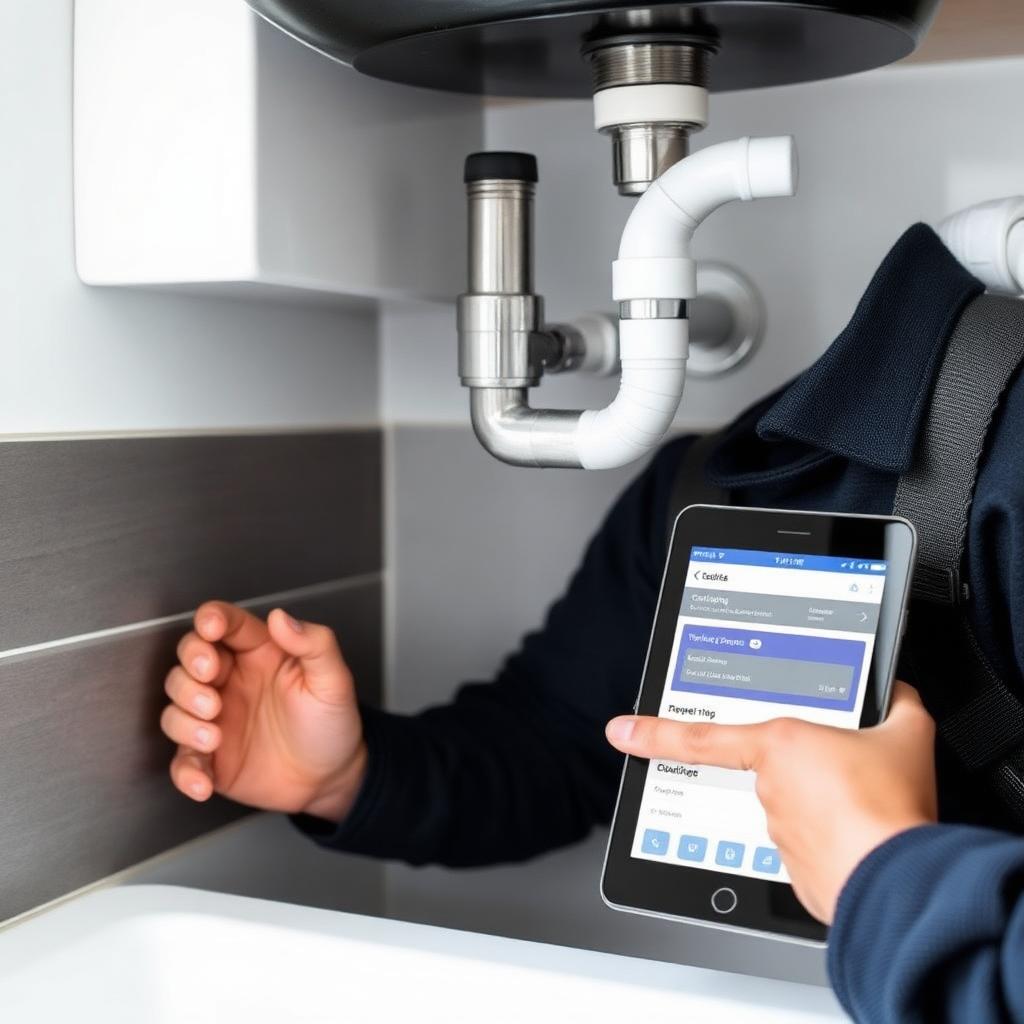
Handyman reviewing customer history and follow-up reminders in customer management software on a tablet inside his work van — handyman customer management software 2026

The work itself is rarely what holds a handyman business back. Most handymen who plateau below where they'd like to be aren't struggling with skill — they're struggling because the business around the work, specifically how customers are tracked and followed up with, is running on memory instead of a system.

A homeowner who had a great experience six months ago never hears from the business again. Three customers in the same neighborhood need work the same week, and two book a competitor because the response was too slow. None of that is a craft problem — it's a customer management problem, and it's the specific gap that decides whether a handyman business grows through repeat and referral revenue or keeps starting from zero with every new lead.

This guide focuses on that one angle specifically: not scheduling or estimating in general, but the tools and habits that turn a one-time customer into a repeat one.

Why Customer Management Is the Growth Lever Most Handymen Skip

Most handymen put their growth effort into acquisition — more ads, more reviews, a better website. All of that matters, but the cheapest source of new revenue for an established business usually isn't a new customer at all. It's a past customer who already trusts you and just needs a reason to call again.

A homeowner who used you for a drywall repair doesn't automatically think of you four months later when their ceiling fan needs replacing unless something reminded them in between. If a seasonal message or a simple check-in kept your name visible, they call you directly. If nothing did, they open Google and the whole acquisition process starts over, this time with no guarantee they land on you again.

Customer management software is what makes that outreach systematic instead of dependent on the owner remembering to do it.

What Actually Separates Good Customer Management From Just Storing Contacts

A complete history per customer. Every job, estimate, invoice, payment, and site note attached to one record so a second visit for the same customer starts with full context instead of a blank slate.

Automated follow-up sequences. A message 30 days after a job checking in and mentioning a related service, or a seasonal reminder timed to spring exterior work or fall weatherproofing, reaches past customers exactly when they're most likely to need you without anyone remembering to send it manually.

Missed-call response. A customer who hits voicemail is measurably less likely to call back. An automatic text the moment a call goes unanswered keeps that person engaged until a personal reply is possible — new lead or returning customer alike. Our guide on why missed calls are costing contractors thousands of dollars covers the scale of this specific leak.

Review request automation. Reviews sent within a day or two of job completion, while satisfaction is fresh, consistently produce more reviews than occasional manual asks — and review volume is one of the stronger local-search signals a handyman business controls directly.

A visible pipeline. Which estimates are pending, which past customers haven't been contacted in months — visible at a glance rather than reconstructed from memory and old text threads.

Full mobile access. History, notes, and invoice status need to be pullable from a phone on a job site, not just from a desktop back at the shop.

What This Looks Like in Practice

A customer calls Tuesday afternoon while you're mid-job. An automated text acknowledges the call immediately; by the time you call back, they've already replied with their address and the work needed — already logged before you've spoken to them directly.

The job wraps Thursday, and an invoice goes out automatically. Friday, a check-in message confirms everything's holding up. Sunday, a review request goes out while the experience is still fresh.

Three months later, a spring reminder about gutter cleaning and exterior repairs reaches every past customer, including the one from Tuesday, who books again for a fence repair — and when you pick up, their full history from that first job is on your phone in seconds.

None of that requires an enterprise system. It's what a properly configured platform does for a solo handyman with forty customers on file — the coordination that's exhausting to do from memory and genuinely easy to automate.

Platforms Built Specifically for Retention and Customer Communication

Thryv — best for handymen who want customer management combined with marketing automation, social scheduling, and a client-facing portal in one place.

Thryv extends past scheduling and invoicing into active marketing: a portal where customers book and pay directly, document storage, and social media management alongside the job workflow. It's a genuinely broader tool than most platforms built for handymen, which is worth the cost if you'll actually use the marketing side; if you mainly need job tracking, that extra scope shows up in the price. Pricing: custom, typically starting around $228/month.

Field Complete — best for handyman businesses with property manager or commercial clients who need formal work orders and documented service history.

Field Complete's handyman module includes unlimited estimates and invoices even at its entry tier — a detail several competitors reserve for higher plans — and offline mobile capability that captures photos, time logs, and signatures without a signal, useful for job sites like basements or parking structures with poor coverage. Pricing: free trial · Bronze $29.99/month · Silver $199.99/month · Gold $399.99/month.

Also Worth a Look

Jobber, Housecall Pro, QuoteIQ, and Kickserv each include solid customer-history and follow-up features alongside their scheduling and invoicing tools. If you're comparing those platforms head-to-head on pricing and features, our handyman CRM comparison and best handyman software guide cover them in full detail.

Choosing Based on Your Retention Priority

  • Fewer than 15 jobs a week, solo: the priority is building the habit — capturing every customer, following up on every estimate, asking for every review. Kickserv or Markate cover this without overwhelming a first-time system.
  • Growing to a small team: automation starts to matter more than manual discipline can sustain — Jobber or Housecall Pro connect customer history to scheduling and invoicing at a price that fits this stage.
  • Property manager or commercial clients: Field Complete's formal documentation and offline capability serve that relationship better than tools built primarily for residential consumer jobs.
  • Marketing and customer management combined: Thryv is the platform here if you want social and marketing tools alongside the CRM itself.
  • Retention connected to where leads come from in the first place: this is the one gap none of the above close on their own — worth understanding before you pick a standalone tool.

The Gap Standalone Customer Management Tools Leave Open

Every platform above assumes leads are already arriving from somewhere else — a separate website, separate ad spend, separate word of mouth — and focuses purely on what happens once a customer is already in the system. That's fine if your lead flow is already solid. It's a real limitation if the customer records you're building don't trace back to where the lead actually came from.

That gap is where a follow-up habit quietly breaks down: a booking form on your website feeds one place, a missed call gets handled manually somewhere else, and a returning customer's history lives in yet a third tool. Retention software can only automate the outreach it has visibility into — if half your leads never make it into the system cleanly, the automation has nothing to work with for that half.

FixerCRM closes that specific gap by tying the customer record to the lead source from the first inquiry — a booking form submission, a missed call, or a repeat customer request all land in the same place automatically, so the seasonal check-ins and review requests described above have complete data to work from rather than whatever got typed in manually. That's the practical difference between customer management bolted onto an existing lead flow and customer management built around it. Pricing: $97/month, $0 setup fee, no contracts.

Frequently Asked Questions

How is this different from a regular CRM? A generic CRM tracks leads and communication. Handyman customer management software adds the field-service layer — job history, estimates, invoices, and mobile access for someone working from a truck rather than a desk.

Does this kind of software actually bring back repeat customers? Indirectly but measurably — automated seasonal reminders and post-job check-ins keep your business visible between jobs, and a customer who gets a well-timed, relevant message is meaningfully more likely to rebook than one who hears nothing until they search Google again.

How much does it typically cost? Solo operators can usually find something capable in the $30–$80/month range. Growing teams with coordination needs typically land between $100–$250/month. Free tiers exist (Kickserv) but generally skip the automation that drives most of the retention value.

Is a free tier worth starting with? For an early-stage business, yes — it establishes the habit of capturing every customer. The upgrade to a paid tier becomes worth it once follow-up consistency and review generation become a real priority rather than a someday task.

The Bottom Line

Customer management isn't a back-office chore separate from the actual work — it's what decides whether satisfied customers come back on their own or need to be found all over again through paid leads. The right platform stores every relationship, automates the follow-up that builds retention, and gives you visibility into every open opportunity that memory alone can't reliably hold onto.

Start with whatever matches your current size and habits — a free tier to build the discipline, or a mid-tier platform once automation becomes the priority. If you'd rather have retention connected to where your leads actually come from, get a free quote and see what FixerCRM can set up for your business.

Ready to grow?

See how FixerCRM books more jobs for contractors

Get Started

Related Articles

Keep reading

All articles
handyman checking customer leads from mobile phone

Why Handyman Businesses Need More Than Just a Website

Modern websites are designed to build trust and generate leads. Learn how better designs help service businesses book more jobs online.

Read article
contractor receiving missed call text back notification

How Missed Call Text-Back Helps Contractors Book More Jobs

Missed calls cost contractors thousands of dollars in lost jobs every month. Here's how automation closes the gap.

Read article
modern HVAC contractor website on desktop and mobile screen

What Makes a Good HVAC or Contractor Website?

Most contractor websites look almost the same. Here's what separates a high-converting site from an outdated brochure.

Read article
Why gutter contractors lose online leads due to poor SEO and outdated websites

Why Most Gutter Contractors Lose Leads Online (and How to Fix It)

Most gutter contractors still rely on referrals while competitors win jobs online. Here's how to stop losing leads with better SEO, websites, and CRM systems.

Read article
Local SEO strategy for handyman businesses to generate more jobs

How Local SEO Helps Handyman Businesses Get More Jobs

Most homeowners start with Google before hiring a handyman. Here's how local SEO helps your business rank higher and book more repair jobs.

Read article
Missed contractor calls leading to lost leads and revenue

Why Missed Calls Are Costing Contractors Thousands of Dollars

Every missed call can mean a lost estimate, installation, or repair project. Here's how automation recovers those leads.

Read article
Mobile-friendly contractor website optimized for SEO and lead generation

Why Mobile-Friendly Websites Matter for Contractors

Most homeowners search for contractors directly from their phones. A poor mobile experience costs you booked jobs every day.

Read article
Contractor CRM system dashboard for managing leads and projects

How CRM Systems Help Contractors Stay Organized

Missed callbacks, scheduling confusion, and lost estimates quickly become major problems. Here's how the right CRM solves them.

Read article
SEO-optimized contractor service pages for better Google rankings

Why Contractor Websites Need Service Pages for Better SEO

Cramming every service onto one page weakens local rankings. Dedicated service pages drive better SEO and more booked jobs.

Read article
HVAC technician service van with outdoor air conditioner unit

How HVAC Companies Can Generate More Service Calls Online

Referrals are unpredictable. Learn how modern websites, local SEO, and CRM automation help HVAC contractors generate service calls year-round.

Read article
Professional electrician working on residential electrical panel

Why Electricians Need Local SEO to Grow Their Business

Local SEO helps electrical contractors appear when homeowners search for emergency electricians, panel upgrades, and EV charger installations.

Read article
Plumber repairing pipes under a kitchen sink while using a tablet

How Plumbing Companies Can Book More Jobs Through Their Website

Plumbing customers need help fast. A professional website with online booking and local SEO turns urgent searches into booked jobs.

Read article
Roofing contractor inspecting shingled roof with clipboard

How Roofing Companies Can Win More Estimates Online

Roofing is a major investment. Win more estimates with a professional website, project galleries, local SEO, and a strong CRM workflow.

Read article
Professional painter rolling fresh paint on interior wall

Why Painting Contractors Need Professional Websites

Painting is highly visual. A professional website with project galleries and local SEO builds trust and drives more quote requests.

Read article
Professional handyman with toolbelt standing beside a branded service van

500+ Handyman Business Names to Help Your Company Stand Out

Browse 500+ catchy, professional, and creative handyman business name ideas — plus tips on how to choose, check availability, and register the perfect name for your company.

Read article
Smiling handyman holding smartphone with Google reviews surrounded by marketing icons

Handyman Marketing: 15 Proven Strategies to Get More Local Customers

Discover 15 proven handyman marketing strategies — local SEO, Google Business Profile, paid ads, and referral systems — that bring in more booked jobs.

Read article
essential handyman tools laid out on a workbench including cordless drill, hammer, tape measure, screwdrivers and wrenches

Essential Handyman Tools List: 50+ Must-Have Tools for Every Job

The complete list of essential handyman tools — hand tools, power tools, plumbing, electrical, drywall, safety gear, and the digital tools that run the business.

Read article
confident handyman entrepreneur standing in front of a professional work van holding a tablet at a residential job site

How to Start a Handyman Business: Step-by-Step Guide for 2026

Everything you need to know to launch a profitable handyman business — from registration and licensing to pricing, marketing, and finding your first customers.

Read article
handyman business plan document with calculator, laptop and blueprints laid out on a wooden desk

Handyman Business Plan: Step-by-Step Guide + Free Template (2026)

A practical, step-by-step guide to writing a handyman business plan — with a free template covering services, pricing, startup costs, marketing, and financial projections.

Read article
handyman in flannel shirt and tool belt shaking hands with insurance agent over policy paperwork on a wooden table

Handyman Insurance: Types, Costs & How to Choose the Right Coverage (2026 Guide)

A complete guide to handyman insurance — general liability, tools and equipment coverage, workers' comp, and commercial auto — with costs, providers, and how to choose the right coverage.

Read article
Handyman calculating a job estimate on a clipboard at a customer's home

Handyman Pricing Guide: How to Estimate Handyman Jobs for Maximum Profit (2026)

Learn how to estimate handyman jobs, calculate your minimum profitable hourly rate, choose flat vs hourly pricing, and create professional estimates that win more jobs.

Read article
Handyman using a business management app on a smartphone inside a work van

Best Handyman Business Apps to Run and Grow Your Business (2026 Guide)

Compare the best handyman business apps for 2026 — from FixerCRM, Jobber, and Housecall Pro to Thumbtack, CompanyCam, and free tools that fit any budget.

Read article
Handyman reviewing customer records and job schedule on CRM software dashboard

Best Handyman CRM Software: Manage Jobs, Customers & Grow Your Business (2026 Guide)

Compare the leading handyman CRM platforms in 2026 — Jobber, Housecall Pro, ServiceTitan, FieldPulse, Kickserv, and Joist — and see why a connected website + CRM often beats stitching separate tools together.

Read article
Handyman viewing job calendar and route map on smartphone scheduling app

Best Handyman Scheduling Software for Growing Service Businesses (2026 Guide)

Compare Jobber, Housecall Pro, FieldVibe, OctopusPro, and ServiceTitan — and see how a connected website + calendar cuts no-shows and double-bookings for good.

Read article
Handyman on job site sending a professional invoice from a smartphone app

Best Handyman Invoice Software: Get Paid Faster and Look More Professional (2026 Guide)

Compare Jobber, Housecall Pro, Joist, Wave, and Zoho Invoice — and see how on-site invoicing connected to estimates and jobs helps handymen get paid faster.

Read article
Handyman in a customer driveway building a professional itemized estimate on a tablet

Best Handyman Estimate Software: Create Fast, Professional Quotes That Win More Jobs (2026 Guide)

Compare Jobber, Housecall Pro, Joist, QuoteIQ, and ServiceTitan — and see how connected estimating turns fast, professional quotes into booked jobs.

Read article
Handyman dispatch scheduling software calendar planner shown on a tablet

Best Dispatch Software for Multi-Technician Handyman Teams (2026 Guide)

Compare the top dispatch platforms for multi-tech handyman teams and see how real-time job assignment stops double-booked crews and wasted drive time.

Read article
Handyman measuring sheet metal at a workbench — handyman CRM vs scheduling software comparison

CRM vs. Scheduling Software: What Handyman Businesses Actually Need First

CRM or scheduling software first? Here's how to tell which one actually fixes the bottleneck in your handyman business — and when you need both.

Read article
Handyman in branded uniform on smartphone in front of a home — handyman lead generation

Handyman Lead Generation: 15 Proven Ways to Get More Local Jobs in 2026

Fifteen lead generation strategies that hold up in 2026, how to convert leads into booked jobs, and where automation fits in.

Read article
Laptop and smartphone showing handyman business software dashboard on a workbench — best handyman software 2026

Best Handyman Software in 2026: Complete Guide to Running a Smarter Handyman Business

Compare the best handyman software for 2026 — CRM, scheduling, estimating, and invoicing — and match a platform to your team size and budget.

Read article
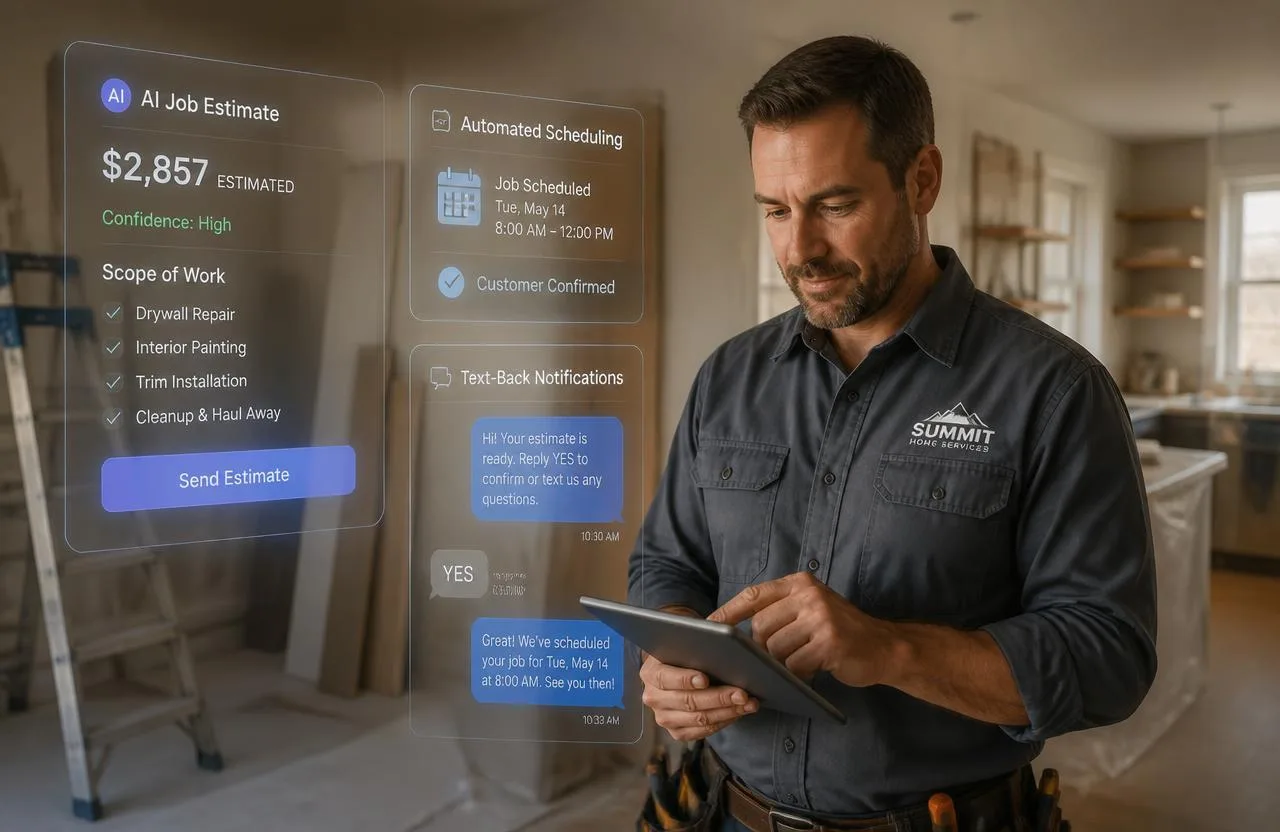
Handyman reviewing an AI-generated job estimate and automated scheduling on a tablet — AI for handyman businesses in 2026

AI for Handyman Businesses: How Artificial Intelligence Is Changing Home Service Operations in 2026

Where AI actually shows up in handyman operations in 2026 — photo-based estimates, missed-call text-back, automated follow-up, and smarter scheduling.

Read article
Handyman reviewing a job management dispatch board and technician route map on a laptop and phone in a workshop office

Handyman Job Management and Field Service Software: The Complete Guide for 2026

What separates job management from field service software, the best platforms for multi-technician dispatch, and how to choose by team size.

Read article
Handyman reviewing a business license application and contractor permit paperwork at his workbench — handyman business license requirements 2026

Handyman Business License: Do You Need One, and How Do You Get It? (2026 Guide)

Find out whether your state requires a handyman license, what threshold triggers a full contractor license, and the exact steps to get properly licensed before you take your next job.

Read article
Handyman filling out an itemized job estimate on a clipboard beside a laptop spreadsheet of labor and material costs — free handyman estimate template

Handyman Estimate Template: Free Printable Template & How to Create One

A free handyman estimate template for Word, Excel, and PDF — plus the pricing math behind labor, materials, and markup so your estimates win more jobs.

Read article
Handyman comparing handyman business software platforms side by side on a laptop and tablet at a workbench

Handyman Business Software Comparison: Top Platforms Side by Side (2026)

Jobber, Housecall Pro, ServiceTitan, FieldPulse, Kickserv, Joist and FixerCRM compared on pricing, features, mobile experience, and who each one actually fits.

Read article