Best Handyman CRM Software: Manage Jobs, Customers & Grow Your Business (2026 Guide)
Compare the leading handyman CRM platforms in 2026 — Jobber, Housecall Pro, ServiceTitan, FieldPulse, Kickserv, and Joist — and see why a connected website + CRM often beats stitching separate tools together.
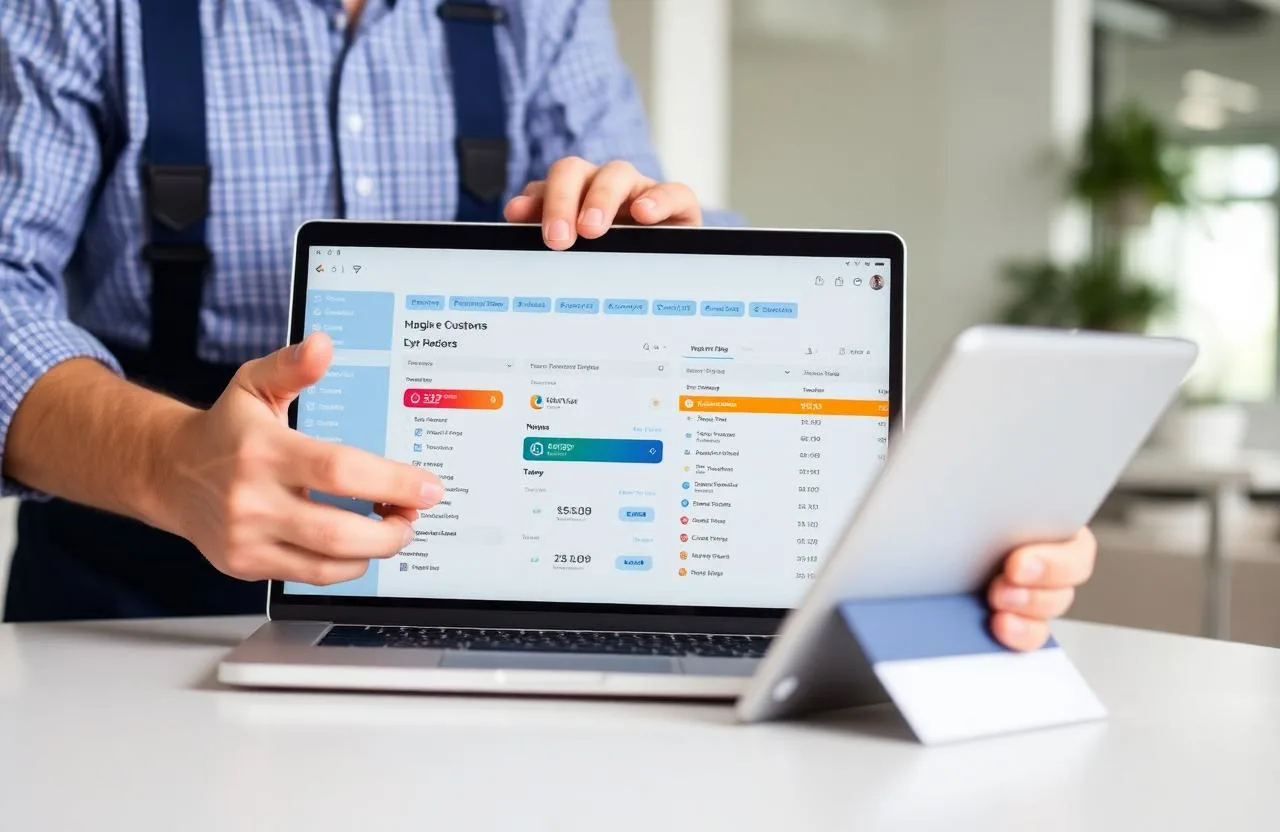
Most handyman businesses don't fail because the work is bad. They fail because the business around the work never gets organized. Calls go unanswered. Estimates get sent and never followed up on. A customer who had a great experience three months ago never hears from you again. Jobs get tracked on sticky notes or a phone calendar with no customer history attached to it.
A CRM fixes this — not by adding complexity, but by replacing scattered memory, text threads, and notebooks with one system that handles customer records, scheduling, estimates, invoicing, and follow-ups.
This guide covers what a handyman CRM actually is, the problems it solves, the leading platforms in 2026, and why more handymen are choosing a done-for-you website-plus-CRM system over stitching together separate software.
What Is a Handyman CRM?
A handyman CRM (Customer Relationship Management) system organizes every customer interaction, job record, estimate, invoice, and message in one searchable place. It replaces the mix of calendar apps, spreadsheets, and memory that most handymen start with.
Unlike generic sales CRMs, a handyman CRM is built around field-service workflows: scheduling jobs, sending estimates from a phone on-site, converting approved estimates into invoices, collecting payment, and keeping a full history of every customer relationship.
Why Every Handyman Business Needs One
At very low volume — five or ten jobs a month — memory and a notebook can just about work. Past that, the cracks show fast: leads don't get a callback, an unapproved estimate never gets followed up, a regular customer who calls every spring hasn't been contacted in eight months.
These aren't effort problems. They're system problems. No one can reliably track dozens of active relationships, follow-up timing, and job schedules by memory alone. A CRM also changes the customer experience — when someone calls back and you can instantly pull up their service history and last quote, that's a noticeably more professional impression than scrambling to remember who they are.
Common Problems Handymen Face Without a CRM
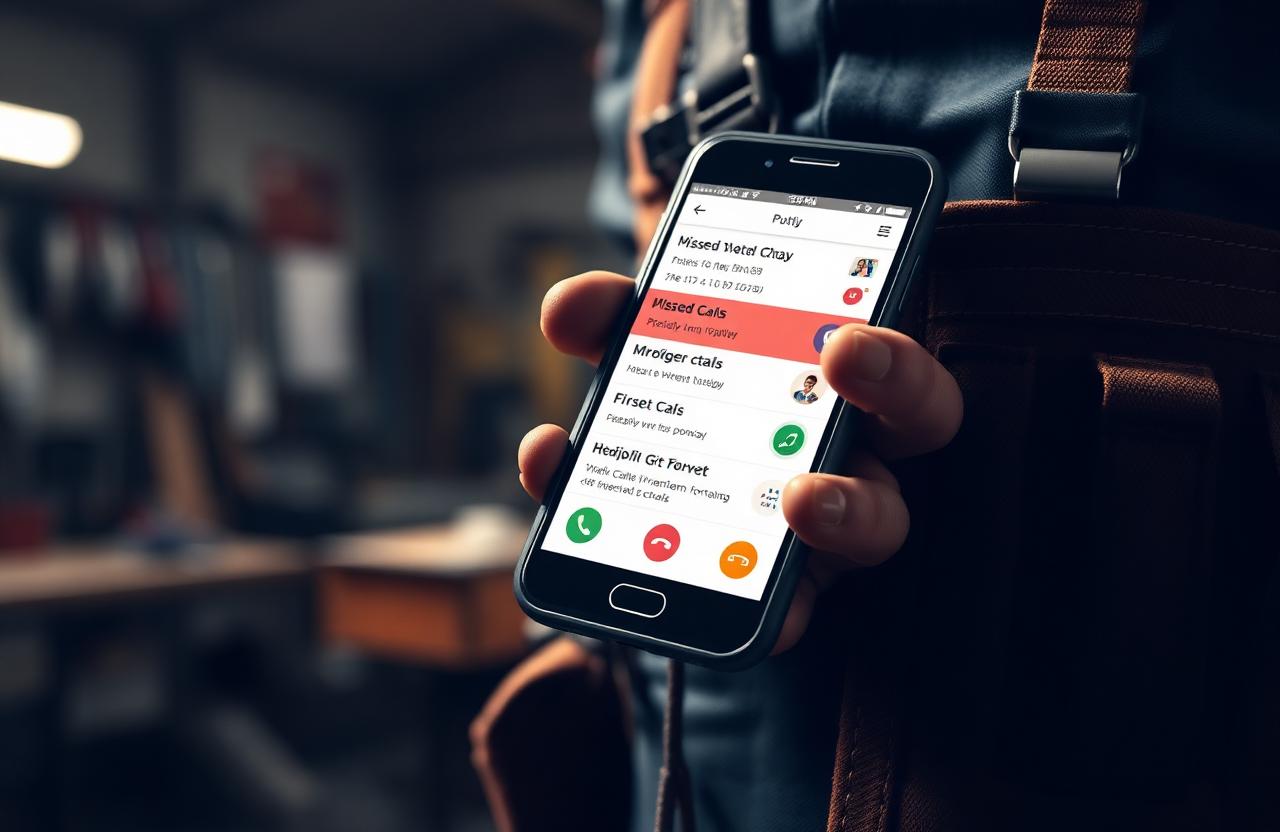
Missed leads. A customer calls while you're on a ladder, gets no answer, and calls the next handyman on Google. Response speed is one of the biggest factors in whether a lead turns into a booked job — a lost callback is often a lost customer, permanently.
Inconsistent scheduling. A paper or phone calendar doesn't flag conflicts, doesn't show customer context, and creates double-bookings and unfilled gaps.
Slow invoicing. Handymen who invoice at the end of the day, or "whenever they remember," consistently get paid later than those who invoice on-site the moment a job wraps.
No customer history. Every call starts from zero. You can't reference what you did last time, what you charged, or what else you noticed — and that continuity is part of what makes a business feel established rather than informal.
Lost follow-ups. Homeowners don't usually call back on their own when they need more work — they search Google or ask a neighbor. A short follow-up message months later keeps you top of mind in a way silence never will.
Key Features to Look For
- Customer management — full contact history, past jobs, estimates, invoices, and notes in one record
- Job scheduling — a visual calendar with drag-and-drop rescheduling and conflict detection, linked to the customer record
- Online booking — customers can request an appointment without a phone call, and it should create the job and customer record automatically
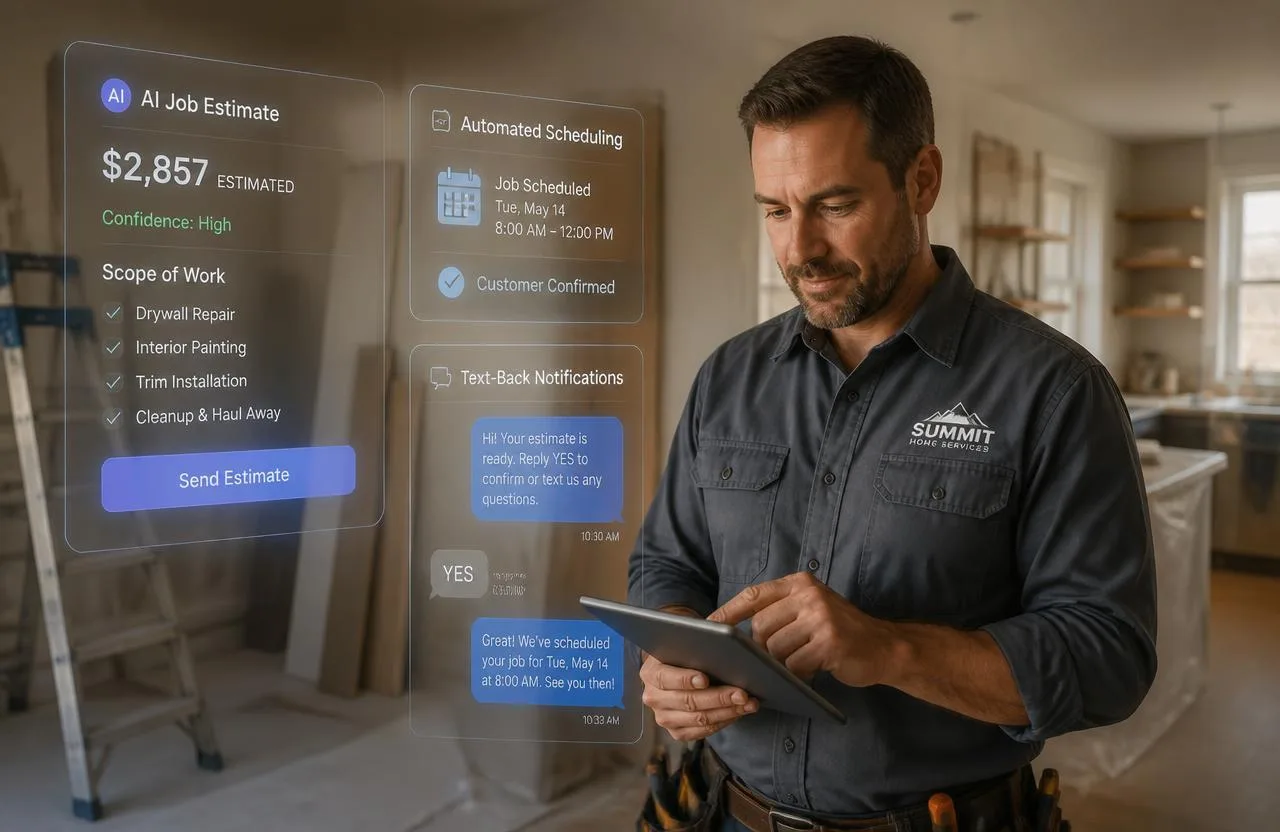
- Estimates and quotes — built and sent from a phone on-site, with digital approval and signature, converting straight into a job
- Invoicing — pre-filled from the completed job, sent the moment work is finished, with a payment link attached
- Online payments — card and digital payment collection directly from the invoice
- Lead management and pipeline tracking — a clear view of every open inquiry, its stage, and what follow-up is due
- Automated communication — booking confirmations, reminders, post-job follow-ups, and review requests that run without you sending each one manually
- Missed call text-back — when you can't answer, the system texts the caller automatically so they don't move on to a competitor while you finish the job you're on
- Mobile access — most of the day-to-day use of a handyman CRM happens on a phone, not a desktop
- Reporting — revenue, job completion rate, and lead conversion, so you can see what's actually working
Best Handyman CRM Software in 2026
Jobber
Best for: growing handyman businesses that want a polished, widely-used platform with strong scheduling and QuickBooks integration.
Jobber is one of the most established names in field service software, known for its route optimization and client-facing tools. Pricing starts around $39/month for a single user and scales up with per-user fees as a team grows, with the more automation-heavy features gated to higher tiers.
Pricing: Core ~$39/month (1 user) · Connect ~$119/month · Grow ~$199/month · Teams from ~$349/month
Housecall Pro
Best for: businesses scaling toward a larger team that want marketing automation and financing options alongside scheduling.
Housecall Pro bundles scheduling, dispatch, invoicing, payment processing, and review-request automation, with consumer financing available for larger jobs. QuickBooks integration and advanced estimating are reserved for its mid-tier plan and up.
Pricing: Basic $59/month (1 user) · Essentials $149/month (5 users) · MAX $299/month (8 users)
ServiceTitan
Best for: large operations with ten or more technicians and real reporting/dispatch complexity.
ServiceTitan is the most feature-complete platform in this category, with AI-assisted scheduling and enterprise-level analytics — and it's priced and built for that scale. For most handyman businesses it's more platform than they need, starting near $398/month with custom, sales-led pricing above that.
FieldPulse
Best for: mid-size operations (roughly 5–15 technicians) that have outgrown Jobber-level tools but don't need ServiceTitan's complexity.
FieldPulse's standout feature is tiered "good-better-best" estimate proposals, letting a technician present three pricing options on-site. Pricing isn't publicly listed and requires a sales conversation, with plans starting near $208/month billed annually.
Kickserv
Best for: early-stage or budget-conscious handyman businesses that want a free starting point before investing in a paid platform.
Kickserv offers a permanent free plan for two users covering basic scheduling, CRM, and invoicing, with paid plans starting around $47/month. It's a reasonable place to start, though feature depth is well below Jobber or Housecall Pro.
Joist
Best for: a true solo handyman who only needs professional estimates and invoices — nothing else.
Joist does one thing well: mobile estimates and invoices with card/PayPal payment collection. There's no scheduling, dispatch, or real CRM behind it, which is exactly the point for someone who just wants clean paperwork. Free tier available; paid plans run roughly $15–$32/month.
What a CRM Should Actually Cost You (and Save You)
For a solo handyman, standalone CRM software generally lands in the $30–$80/month range once you add the features you actually need — online booking, reminders, or payment processing are often separate add-ons rather than included in the base price. Growing teams of two to five people typically land closer to $100–$250/month across the platforms above.
The number that matters more than the subscription price is how much administrative time and how many missed leads the software actually recovers. A tool that saves a couple of hours a week, or catches one lead a month that would otherwise have gone to a competitor, pays for itself quickly regardless of which platform you choose.
Why FixerCRM Takes a Different Approach
Every platform above solves the operations side of the business — scheduling, invoicing, customer records — but leaves your website, lead capture, and local SEO as a separate problem to solve with a separate vendor. That usually means paying for a website from one company, a CRM from another, and piecing together how leads actually flow between them yourself.
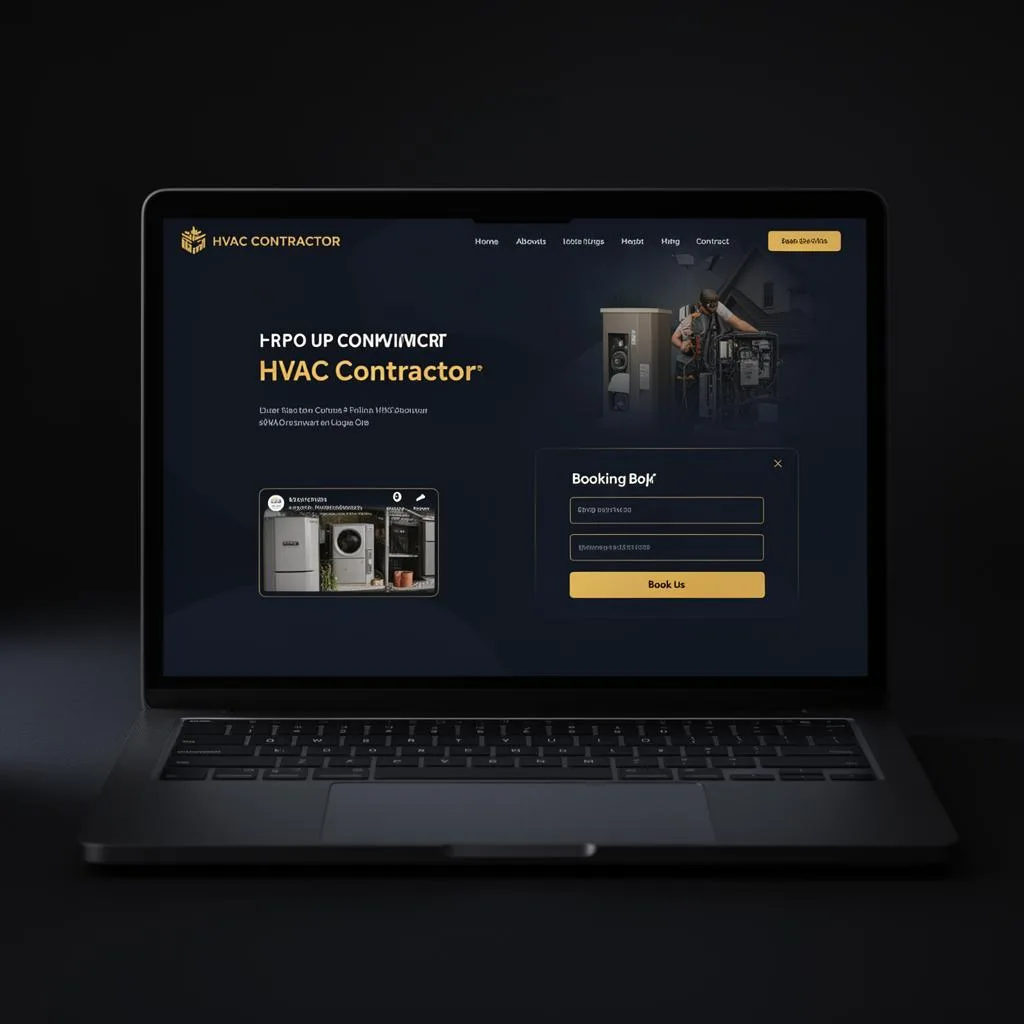
FixerCRM was built to remove that split. Instead of selling CRM software on its own, we build the whole front door of your business — a custom handyman website with local SEO built in, connected directly to a CRM that tracks every lead, estimate, job, and invoice, plus missed-call text-back automation that responds the instant you can't pick up the phone.
What that looks like in practice:
- A custom website live in 7 days, with your booking form feeding directly into your CRM — no manual data entry for online leads
- Missed-call text-back that automatically messages a caller the second you miss them, so they hear back from you before they call the next handyman
- One customer record showing every job, estimate, invoice, and note — so a returning customer's call is answered like you remember them, because you do
- Local SEO built into the site from day one, instead of bolted on later
Pricing: $0 setup fee, $97/month flat — no per-user fees, no contracts, cancel anytime.
FixerCRM isn't trying to be the biggest CRM on this list. It's built for handymen who'd rather have one system doing the website, the lead capture, and the CRM together than manage three vendors to get the same result.
How to Choose the Right Fit
Business size. A solo handyman with ten jobs a week needs simplicity and mobile access more than a long feature list. A growing team needs scheduling coordination and dispatch.
Budget. Set a number you're comfortable with monthly, and check what's actually included at that price — many platforms advertise a low starting price that climbs fast once you add booking, reminders, or a second user.
Mobile experience. Download the app before committing. A CRM that's clunky on a phone in the field won't get used consistently, no matter how good the desktop demo looked.
Automation. The difference between a CRM that reduces your workload and one that just organizes it is automation — reminders, follow-ups, and review requests that run without you.
Existing data. Import your current customer list at setup. A CRM's value builds through history, and starting from a blank database delays that.
Final Thoughts
The right handyman CRM isn't the one with the longest feature list — it's the one that removes friction from your day, stops leads from slipping away, and keeps customers coming back. Whether that's a standalone platform like Jobber or Housecall Pro, or a connected system that also builds and runs your website, the goal is the same: fewer missed calls, faster follow-ups, and a business that runs on a system instead of memory.
If you'd rather have your website, CRM, and lead follow-up working together from day one instead of managing them separately, get a free quote and see what FixerCRM can build for your business in 7 days.
Ready to grow?