Best Handyman Business Apps to Run and Grow Your Business (2026 Guide)
Compare the best handyman business apps for 2026 — from FixerCRM, Jobber, and Housecall Pro to Thumbtack, CompanyCam, and free tools that fit any budget.
Running a handyman business in 2026 means managing more than just the work itself. Between answering calls, scheduling jobs, creating estimates, sending invoices, following up with customers, and keeping track of who owes you money, the administrative side of a handyman operation can easily consume as many hours as the physical work.
The right handyman business apps change this equation completely. They handle the scheduling, estimates, invoicing, customer follow-ups, and payment collection that would otherwise pile up in evenings and weekends, freeing you to complete more jobs and deliver a more professional customer experience.
What Are Handyman Business Apps?
Handyman business apps are software applications — typically available on both mobile devices and desktop computers — that help handyman businesses manage the operational and administrative side of their work. They combine tools for scheduling, customer management, estimating, invoicing, payment collection, and communication into a single platform.
What all handyman business apps share is a common goal: reducing the time you spend on administrative tasks so you can spend more time doing the work that generates revenue.
Why Every Handyman Business Needs a Mobile App
Save time on scheduling. A dedicated scheduling tool gives you a visual calendar where every job is visible, color-coded, and linked to the customer's information. Jobber, for example, reports that handyman businesses using their platform save an average of 7 hours per week on administrative work.
Send estimates faster. Customers who ask three different handymen for quotes tend to go with whoever responds first. A handyman app lets you create a professional, itemized estimate on your phone within minutes of receiving an inquiry.
Create invoices on the job. Invoicing on-site, the moment a job is complete, is consistently the fastest way to get paid. Most handyman apps support one-tap invoice creation from a completed job record.
Track customers. A CRM function stores every customer's information, every job you have done for them, every estimate you have sent, and every payment they have made.
Accept online payments. Handyman apps that include payment processing allow customers to pay by credit card, Apple Pay, Google Pay, or bank transfer — from a link on their invoice.
Reduce paperwork. Handyman apps eliminate paper from the workflow, storing every estimate, invoice, job record, and customer communication in a searchable digital system.
Best Handyman Business Apps in 2026
FixerCRM
Best for: Handyman businesses that want a complete, done-for-you system combining a professional website, CRM, lead capture, scheduling, and automation without needing to manage multiple separate tools.
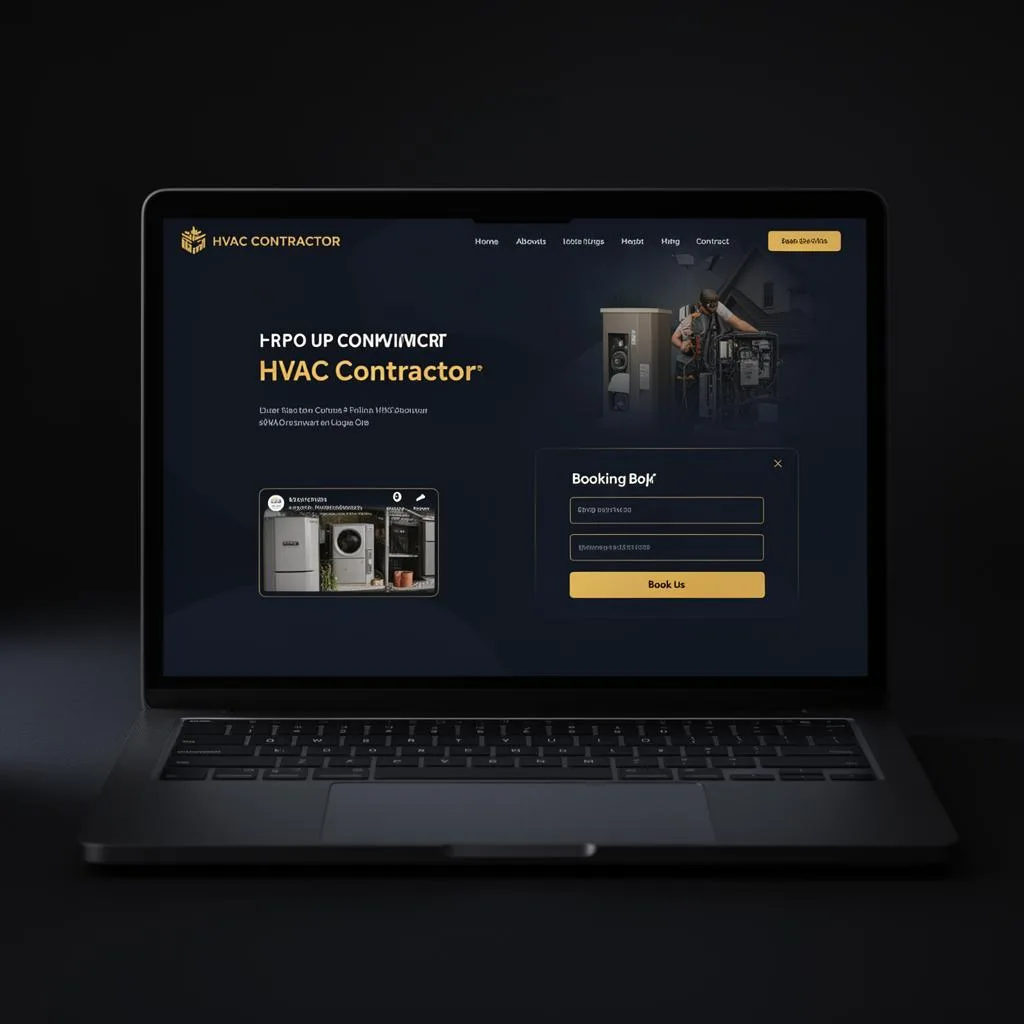
FixerCRM is built specifically for handyman and home service contractors, with the complete business infrastructure — not just the operations software. Unlike general field service platforms that assume you already have a professional online presence, FixerCRM delivers the website and the operations system together.
Key features:
- Professional handyman website with built-in lead capture forms
- CRM that stores all customer information, job history, and communication
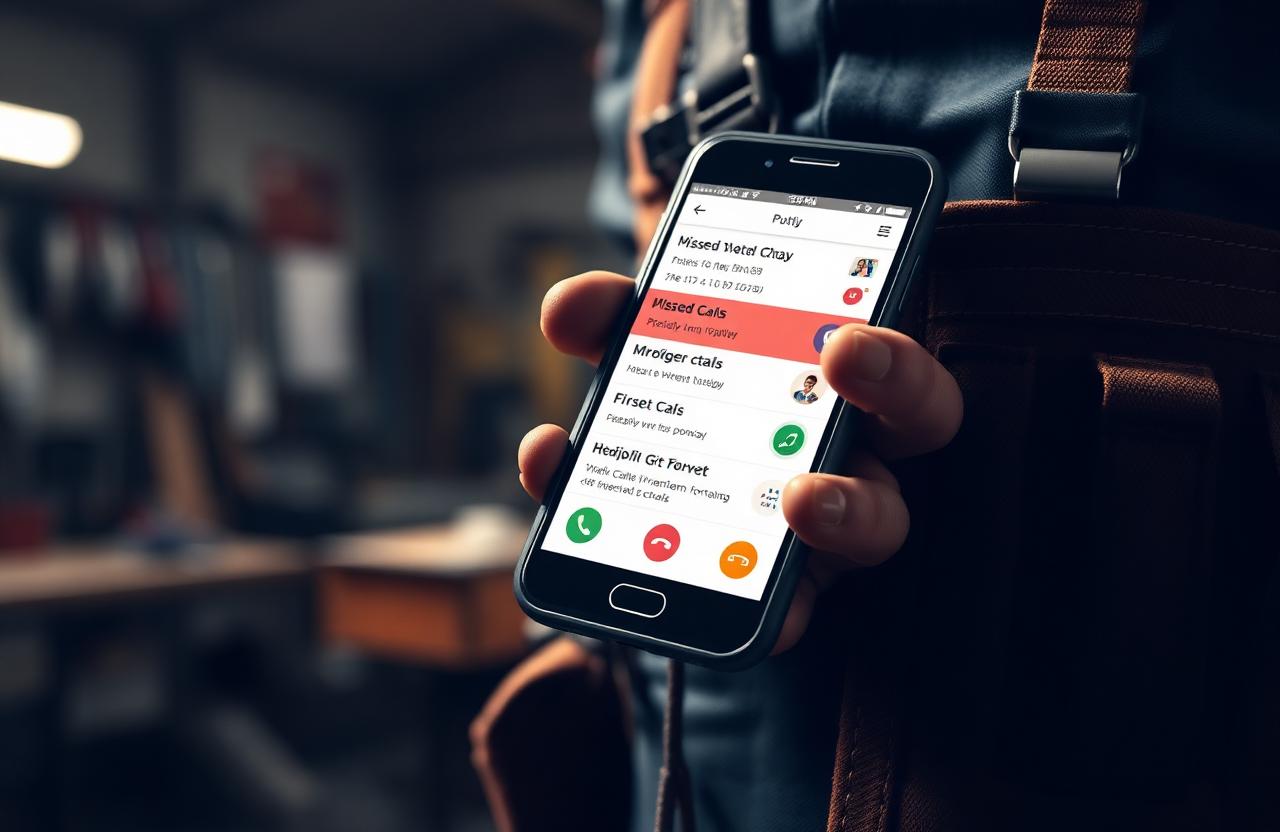
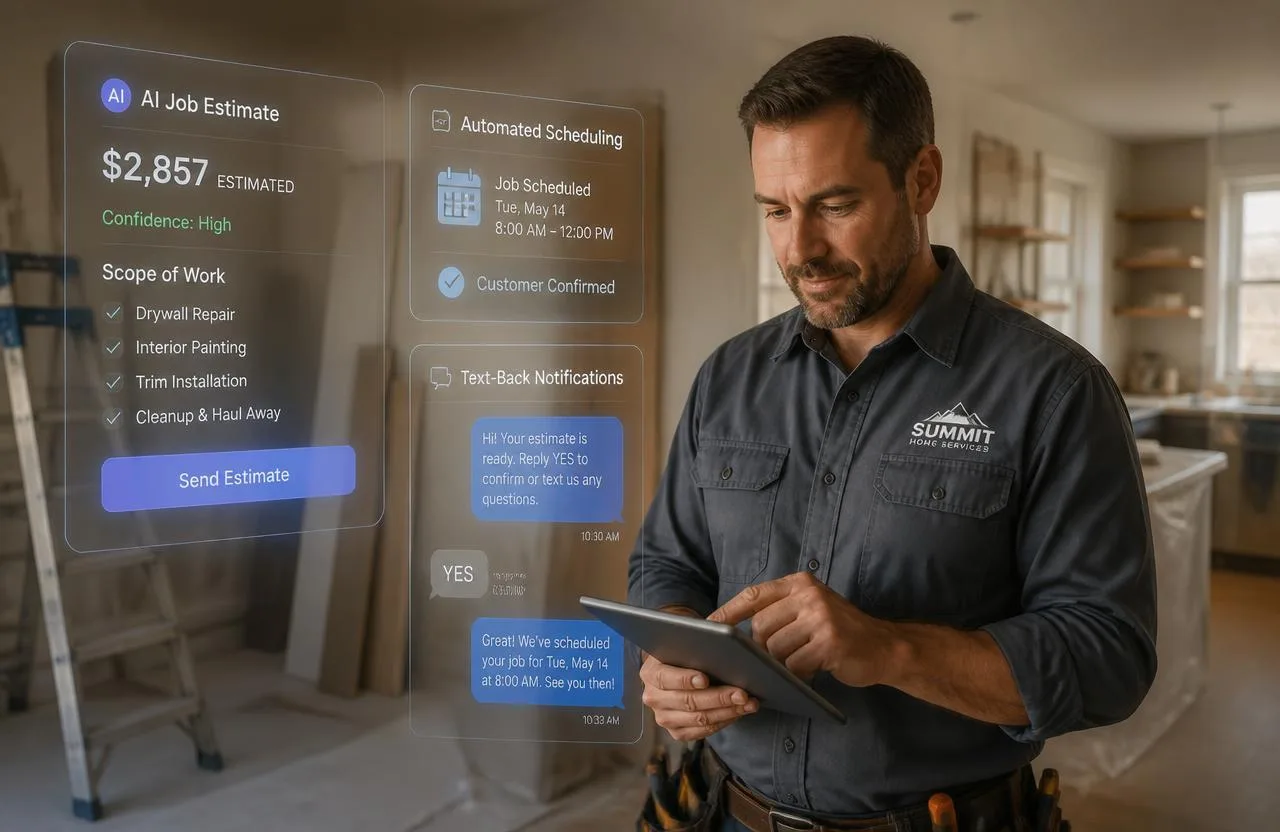
- Automated missed call text-back
- Scheduling and appointment management
- Lead pipeline tracking from first inquiry through booked job
- Automated follow-up sequences for leads that have not yet booked
- Local SEO foundation built into your website from day one
Pros: Complete system rather than just an operations tool. Website and CRM work together without integration work. Live in seven days. Missed call automation recovers leads that would otherwise be lost.
Cons: Focused on handyman and home service businesses rather than a broad multi-trade enterprise platform.
Jobber
Best for: Growing handyman businesses that want a polished, all-in-one operations platform with strong scheduling, professional client-facing tools, and QuickBooks integration.
Jobber keeps all job details flowing automatically from the initial request through to the invoice. Customers can visit Jobber's online client portal to approve quotes, request changes, pay deposits, and provide digital signatures.
Pros: Very polished customer-facing experience. Strong QuickBooks integration. Trusted by thousands of home service businesses. Cons: Pricing starts at $39/month for solo operators and increases significantly for teams — $169/month and up for team plans.
Housecall Pro
Best for: Handyman businesses ready to scale that want enterprise-grade features including marketing automation, consumer financing options, and GPS job tracking.
Housecall Pro started as a simple job scheduler; in 2026 it has become an enterprise-grade platform packed with CRM, marketing, and payment tools. Customers using Housecall Pro report that jobs booked increased approximately 90% year over year after adopting the platform.
Pros: Strong all-in-one platform. Good customer support. Cons: Basic plan starts at $59/month; the popular five-user Grow tier reaches $199/month — making it one of the more expensive options for solo or early-stage businesses.
QuickBooks Online
Best for: Handyman businesses that prioritize accounting accuracy and tax preparation. QuickBooks Online is not a field service management tool — it does not handle scheduling, estimates, or job dispatch. What it does exceptionally well is track income, expenses, and profit for tax preparation. Most serious handyman businesses eventually integrate QuickBooks with their primary field service app.
Thumbtack
Best for: New handyman businesses that need a lead generation source while building their own customer base. Thumbtack is a lead marketplace where homeowners post projects and local service providers bid for the work.
Pros: Can generate leads quickly for new businesses. Low barrier to entry. Cons: Lead costs can be significant, and you are often competing with multiple other handymen for the same job. Less effective as a long-term strategy than building your own organic online presence.
TaskRabbit
Best for: Handymen looking for flexible, on-demand work in urban markets. TaskRabbit connects handymen — called 'Taskers' — with homeowners who need immediate help. TaskRabbit takes a significant commission and handymen operate under the platform's brand rather than building their own.
Nextdoor
Best for: Handymen who want to build hyperlocal brand awareness and generate referral-style leads from within specific neighborhoods. Recommendations from neighbors carry significant weight in the Nextdoor environment, and a strong presence in specific neighborhoods can generate consistent word-of-mouth leads without paying per lead.
Google Calendar
Best for: Solo handymen at the very beginning of their business who need basic scheduling without any additional cost. Free, familiar, and reliable — but no invoicing, estimates, CRM, or customer management features.
GasBuddy
Best for: Handymen operating over a large geographic service area who want to reduce fuel costs. Real-time gas price comparison, fuel log tracking, and a trip cost estimator.
CompanyCam
Best for: Handymen who want to document job site conditions before and after every job, protect themselves from disputes, and build a photo portfolio for marketing. GPS-tagged, timestamped photo capture organized by job site.
Features to Look for in a Handyman App
- Job scheduling with drag-and-drop calendar and automated reminders
- CRM that stores full customer contact, history, and notes
- Estimates and quotes with digital approval signatures
- Invoicing pre-filled from job records with payment links
- Online payments — credit card, ACH, Apple Pay, Google Pay
- Route planning for handymen completing multiple jobs per day
- Automated customer communication for confirmations, reminders, and follow-ups
- Full-featured mobile access on iOS and Android
Free vs Paid Handyman Apps
Free apps serve a genuine purpose for handymen who are just starting and need basic tools while keeping costs minimal. The most capable free option is KickServ's free tier, which covers scheduling, estimates, invoicing, and basic CRM with a two-active-job limitation. Google Calendar plus a free invoicing app like Invoice Simple covers the basics for the very earliest stage.
The moment your business volume exceeds what free tools handle cleanly, the cost of a paid platform returns itself almost immediately through recovered time and improved lead conversion.
How to Choose the Right Handyman Business App
- Decide your budget honestly — a platform that recovers two hours a week pays for itself
- Check scheduling features first — it is the daily-use feature
- Test invoicing end-to-end from estimate to paid invoice
- Look for CRM that matches how you actually work
- Read reviews from other handymen specifically
- Use the free trial with real jobs, estimates, and invoices
Common Mistakes When Choosing a Handyman App
- Choosing only by price
- No mobile support — a desktop-first app is the wrong tool for field work
- No customer management (no CRM)
- Poor integrations with accounting or communication tools
- No estimate builder — forces you to manage estimates outside the system
Why FixerCRM Is a Great Choice for Handyman Businesses
Most handyman business apps solve the operations problem while leaving the marketing and lead generation problem entirely separate. FixerCRM was built specifically for handyman businesses that want the complete system — not just the operations layer, but the professional online presence and automation that generates leads in the first place.
- CRM built for handyman workflows with full customer history
- Scheduling connected directly to your website booking form
- Professional itemized estimates sent from any device
- Invoicing with one-click payment collection
- Pipeline visibility from first inquiry through paid invoice
- Automated follow-up sequences and review requests
- Missed call text-back to recover leads you cannot answer live
- Professional handyman website with local SEO — live in seven days
Frequently Asked Questions
What is the best app for handyman businesses? The best handyman business app depends on where your business is. For a complete system that includes both a professional website and operations tools, FixerCRM is built specifically for handyman businesses. Jobber reduces administrative work by an average of 7 hours per week for operations-only needs. Housecall Pro offers stronger marketing automation for scaling teams.
Are there free handyman apps? Yes. KickServ offers a permanent free tier with basic scheduling, estimates, invoicing, and CRM. ServiceM8 is free for solo operators up to 30 jobs per month. Google Calendar plus a free invoicing tool covers the absolute basics at no cost.
Can I create estimates using a handyman app? Yes. Professional handyman platforms allow you to create detailed quotes with clear pricing, send quotes by text or email, and finalize jobs with digital signatures from any device.
Which handyman app is best for scheduling? QuoteIQ offers drag-and-drop scheduling at the lowest entry price of any full platform, starting at $29.99/month. Housecall Pro has a strong scheduling calendar with automated customer text reminders. Jobber's scheduling integrates tightly with its CRM and invoicing.
Do handyman apps work on Android? Yes. All major handyman business apps — Jobber, Housecall Pro, FixerCRM, CompanyCam, and most others — support both iOS and Android through dedicated mobile apps.
What software do professional handymen use? The most widely used platforms among professional handyman businesses in 2026 include Housecall Pro, Jobber, ServiceTitan (for larger operations), FieldPulse, and FixerCRM.
Final Thoughts
The right handyman business app is not the one with the most features — it is the one you will actually use consistently, that handles the specific bottlenecks slowing your business down, and that grows with you as your operation scales.
At FixerCRM, we build the complete system for handyman businesses — professional website, CRM, lead automation, missed call text-back, scheduling, and invoicing — everything you need to run and grow your business from a single platform designed specifically for the handyman industry.
Ready to grow?