Best Dispatch Software for Multi-Technician Handyman Teams (2026 Guide)
Compare the top dispatch platforms for multi-tech handyman teams and see how real-time job assignment stops double-booked crews and wasted drive time.

The moment a handyman business grows past one or two technicians, scheduling stops being a calendar problem and starts being a dispatch problem. It's no longer about whether the day is booked — it's about which technician goes where, in what order, with what parts, and how fast you can shift them when the plan changes at 9:14 a.m.
Dispatch software solves that. It gives a small team the same real-time coordination a large field-service operation runs on: live technician locations, drag-and-drop reassignment, automatic customer updates, and job status you can see from anywhere. This guide covers what dispatch software actually does for a multi-tech handyman crew, the strongest platforms in 2026, and how to pick one that fits your size.
What Handyman Dispatch Software Actually Does
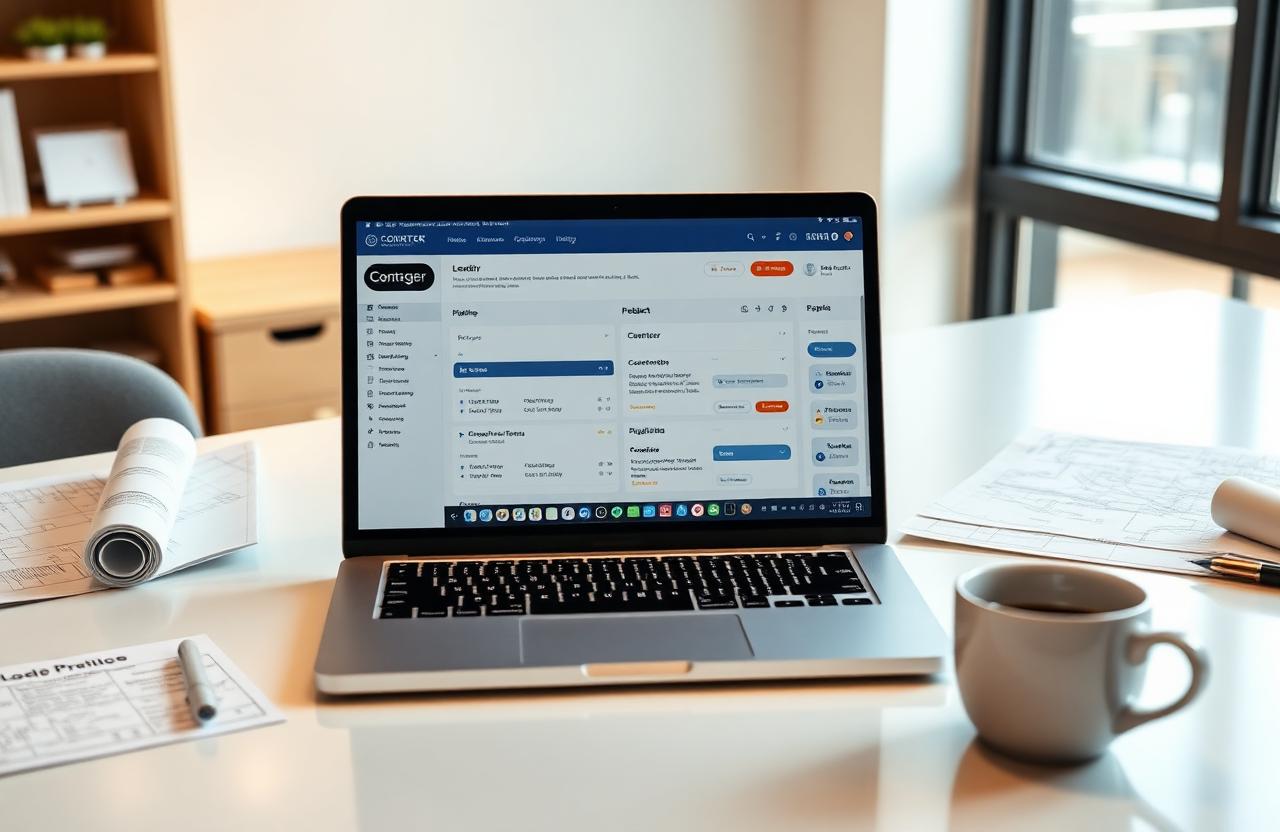
Dispatch software is the layer that assigns the right job to the right technician at the right time and keeps everyone — office, tech, and customer — looking at the same picture. It replaces the group text, the whiteboard, and the constant phone calls about "where are you now?" with one live view of the day.
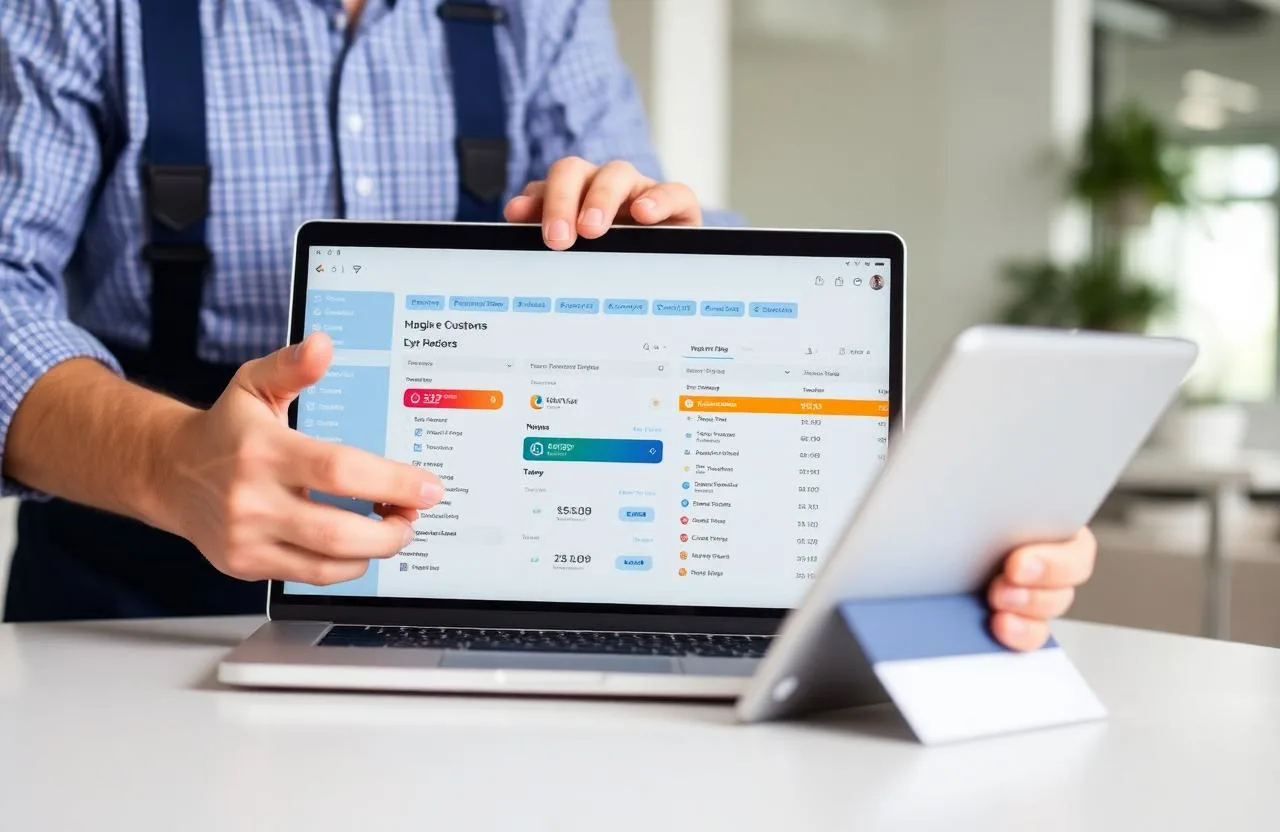
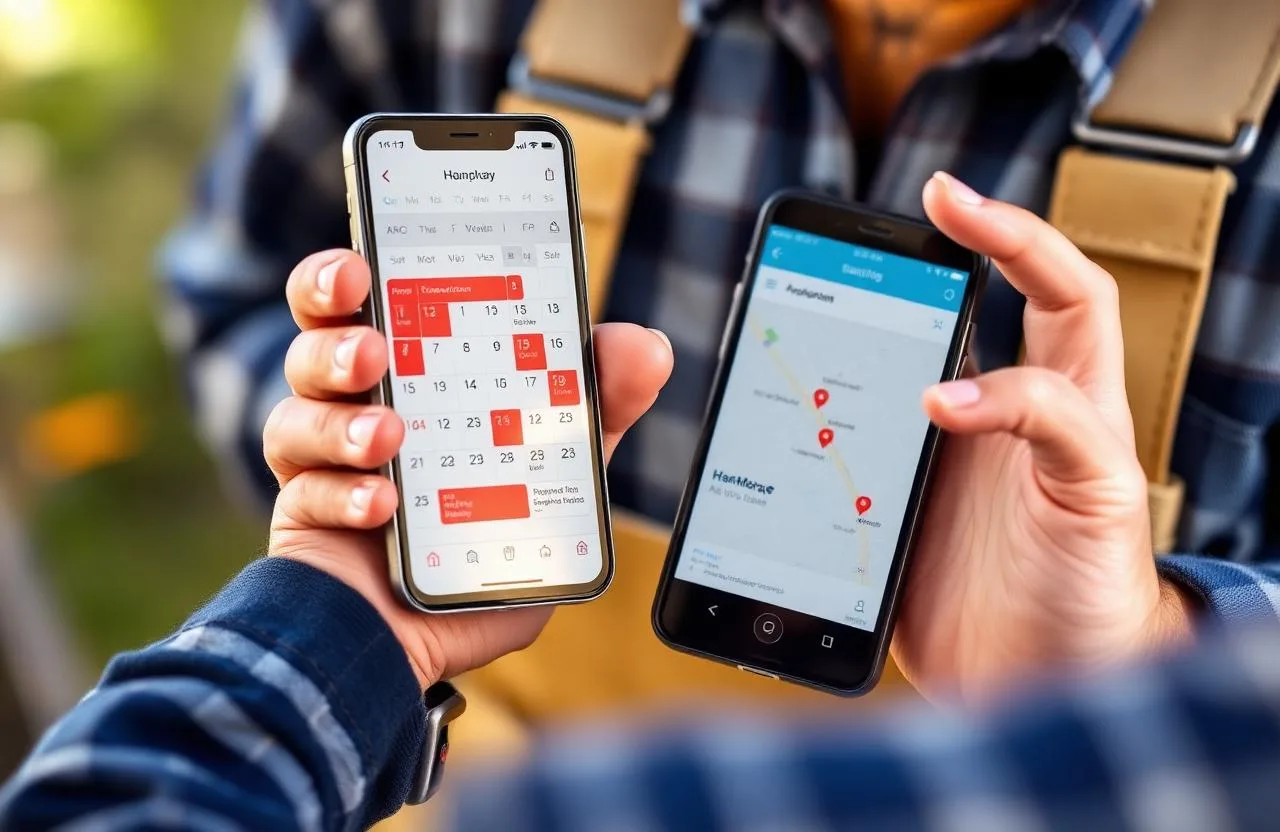
For a multi-tech handyman team, that usually looks like a map showing every technician's current location, a job board that can be reassigned with a drag, and automated customer texts that go out the moment a technician is on the way. When a job runs long or a new emergency call comes in, you shift the schedule once and every affected customer and technician knows immediately.
Why Manual Scheduling Breaks at Two or More Technicians
With one technician, a shared calendar works. With two, you start double-booking. With three or more, you start losing money in ways that don't show up on any single invoice: a tech driving across town to a job the other tech was already near, an emergency call routed to the person with the least availability, a customer who wasn't told their window slipped by an hour and left a one-star review the next morning.
The real cost isn't the miscommunication — it's that every one of those moments is a chance for a customer to feel like your business is disorganized, and disorganized is the fastest way to lose a repeat customer in home services.
Key Features to Look For
- Live technician GPS on a shared map — you can see who's where, in real time, without a phone call
- Drag-and-drop job reassignment — an emergency call gets routed to the nearest available tech in seconds, not by group text
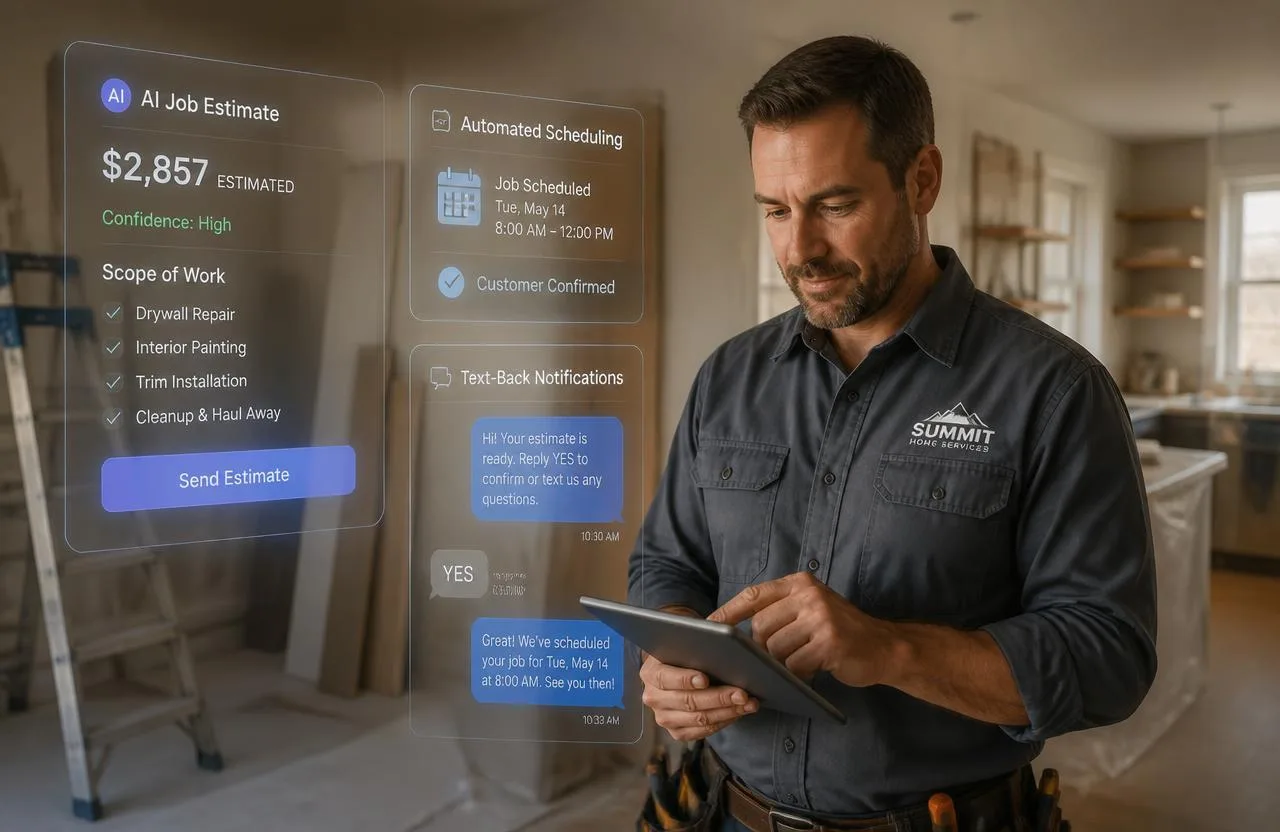
- Automated customer ETAs — "on the way" and "arriving in 10 min" texts fire without anyone manually sending them
- Route optimization — the day's jobs are sequenced by drive time, not by whoever called first
- In-app tech-to-office chat — questions from the field don't get lost in personal texts
- Job status timeline — dispatched, en route, on-site, complete — visible to office and customer at once
Best Dispatch Software for Handyman Teams in 2026
Jobber
Best for: small handyman teams (2–8 technicians) that want dispatch inside the same tool they already use for quoting and invoicing.
Jobber's scheduling and dispatch view shows every technician's day on one board, with drag-and-drop reassignment and automated "on the way" texts. GPS tracking, route optimization, and two-way chat sit on the Connect and Grow tiers.
Pricing: Core ~$39/month · Connect ~$119/month (adds GPS, route, chat) · Grow ~$199/month
Housecall Pro
Best for: growing teams that want strong dispatch alongside consumer-facing tools like online booking and financing.
Housecall Pro's dispatch board is one of the cleanest in the category, with live tech status, automated customer notifications, and a mobile app technicians actually use. Route optimization and advanced dispatch features sit at the Essentials tier and above.
Pricing: Basic $59/month · Essentials $149/month · MAX $299/month
ServiceTitan
Best for: large handyman operations with dozens of techs and a dedicated dispatcher on staff.
ServiceTitan's dispatch board is genuinely industry-leading — capacity planning, skills-based routing, revenue-weighted assignment — but it's built for operations at real scale, with custom pricing that typically starts north of $265 per technician per month. For most handyman teams under fifteen techs, it's more platform than the job calls for.
Workiz
Best for: mid-sized teams that want a purpose-built dispatch board without ServiceTitan's cost.
Workiz is built dispatch-first — the schedule board, live map, and job status flow are the center of the product, not an add-on. Good fit for teams that live inside dispatch every day and want that experience polished.
Pricing: Standard ~$225/month · Pro ~$295/month · Ultimate custom
How to Choose the Right Dispatch Software for Your Team Size
Two to four technicians: Jobber's Core or Connect tier covers the essentials without paying for capacity you won't use yet. The moment you're routinely juggling same-day changes, upgrade to a tier with GPS and route optimization — that single feature usually pays for itself in fuel and time.
Five to ten technicians: Jobber Connect/Grow, Housecall Pro Essentials, or Workiz Standard. At this size a real dispatch board — not just a shared calendar — is the difference between a coordinated day and a chaotic one.
Ten-plus technicians: Housecall Pro MAX, Workiz Pro, or ServiceTitan. At this scale the dispatcher becomes a role, not a task, and the software needs to support skills-based routing and capacity planning as first-class features.
Dispatch Mistakes That Cost Multi-Tech Handyman Teams Money
Assigning jobs by who's least busy instead of who's nearest. A technician driving forty minutes across a service area to a job another tech was already passing is pure margin loss.
No automated customer ETA. Every "where is my technician" call is a customer whose next review is now at risk. One automated text at dispatch and one when the tech is fifteen minutes out cuts those calls almost entirely.
Reassigning jobs by group text. A shift made in a text thread reaches everyone except the customer, who finds out an hour late when the tech doesn't show.
No job status visibility from the office. If dispatch can't tell whether a tech is en route, on-site, or wrapping up, every schedule change is a guess.
Skipping route optimization on multi-stop days. Sequencing five jobs by call order instead of drive time routinely adds an hour of unpaid driving to the day.
Where Dispatch Fits Into a Bigger System
Dispatch software on its own solves the field-coordination problem, but leaves your website, lead capture, and customer history in separate tools. FixerCRM bundles dispatch into the same system as your website and CRM: a new lead lands in the pipeline, gets quoted, converts to a job on the dispatch board, and every automated customer message — ETA, follow-up, review request — fires from the same record.
What's included: a custom handyman website live in 7 days, CRM, connected estimating, scheduling and dispatch, invoicing, and automated follow-up — for a flat $97/month, $0 setup fee, no contracts.
Frequently Asked Questions
What's the best dispatch software for a small handyman team? For two to eight technicians, Jobber's Connect tier is the most common starting point — it adds GPS, route optimization, and automated customer texts to the estimating and invoicing most handymen already need. Housecall Pro Essentials is a strong alternative if online booking and financing matter as well.
Do I need dispatch software with only two technicians? A shared calendar can carry you for a while, but the moment you have same-day reschedules or emergency calls competing with booked work, real dispatch software pays back its cost quickly in fewer missed windows and less wasted drive time.
Does dispatch software send customer ETA texts automatically? The stronger platforms — Jobber Connect and above, Housecall Pro Essentials and above, Workiz, ServiceTitan — send "on the way" and "arriving soon" texts automatically as the technician's status changes.
Can dispatch software integrate with QuickBooks? Yes — Jobber, Housecall Pro, Workiz, and ServiceTitan all sync completed jobs and paid invoices to QuickBooks, typically starting at a mid-tier plan.
Final Thoughts
A two-tech team using a group text is going to look less organized than a two-tech team using real dispatch software — same skill, same market, very different customer experience. Match the tool to your current size, and upgrade when the friction of coordinating a day starts costing more than the software would.
If you'd rather have dispatch, scheduling, and your website all working from the same system, get a free quote and see what FixerCRM can set up for your team in 7 days.
Ready to grow?