Best Handyman Invoice Software: Get Paid Faster and Look More Professional (2026 Guide)
Compare Jobber, Housecall Pro, Joist, Wave, and Zoho Invoice — and see how on-site invoicing connected to estimates and jobs helps handymen get paid faster.

Getting paid should be the easiest part of running a handyman business. The work is done, the customer is happy, and the money is owed. Yet for businesses still invoicing by text message, verbal totals, or handwritten receipts, this last step is often the most frustrating one.
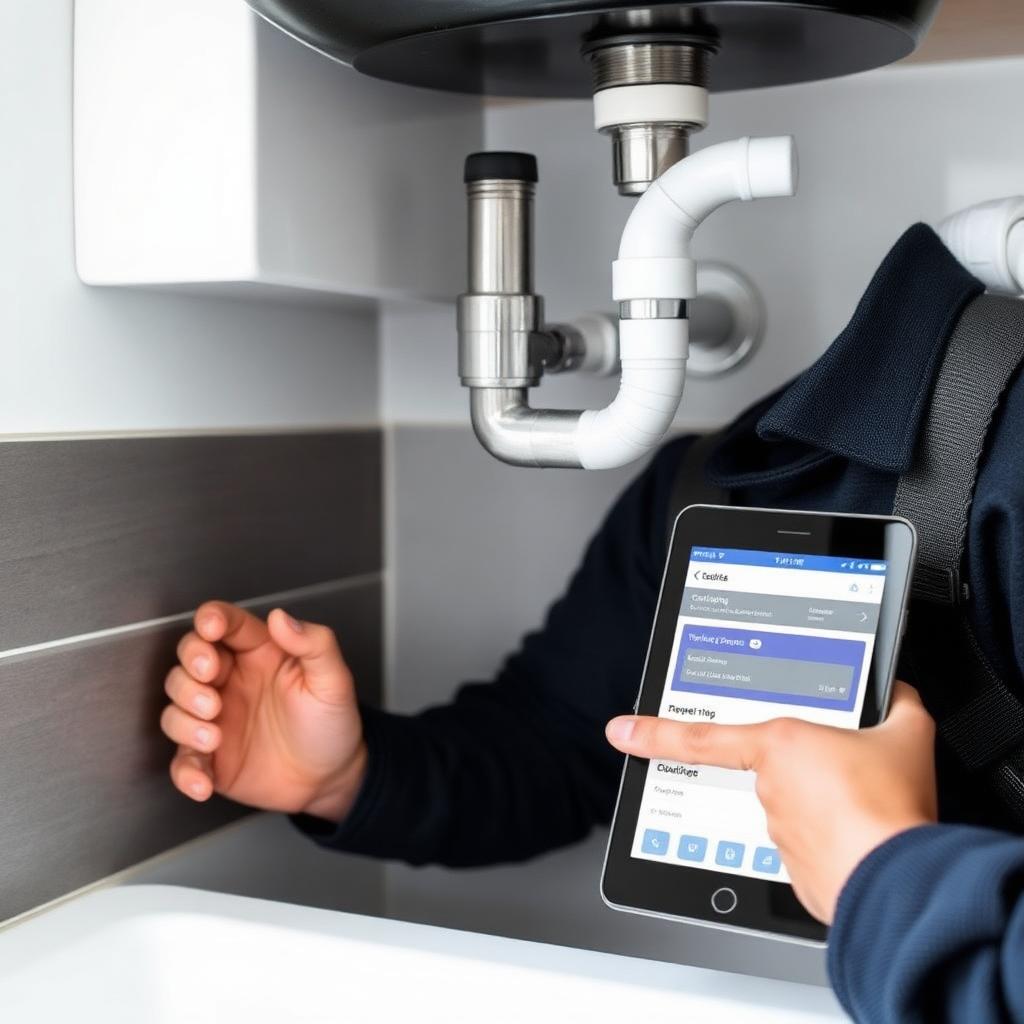
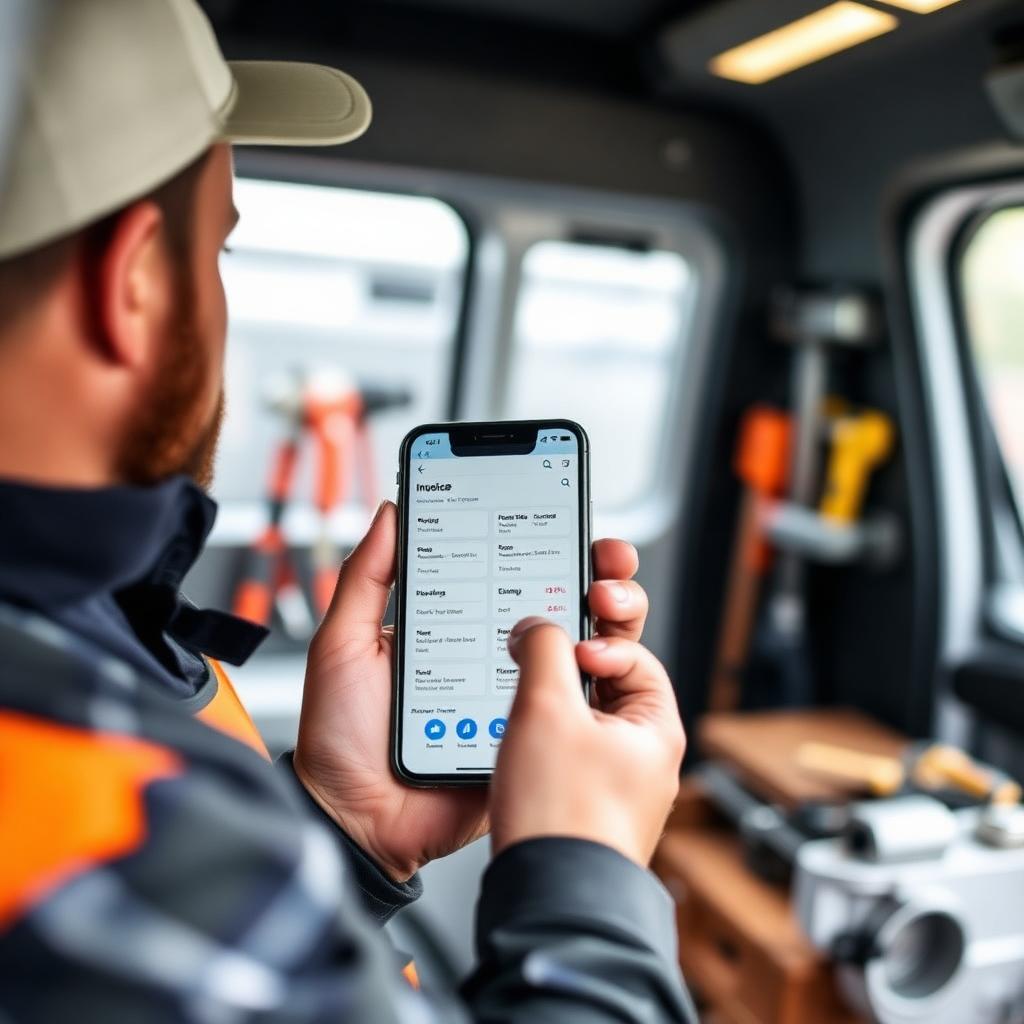
An invoice that arrives days after a job is harder to collect than one sent on-site. A verbal amount gets misremembered. Payment by check means a follow-up neither side wants to have. Handyman invoice software removes that friction — it lets you build a professional, itemized invoice from your phone the moment a job wraps, while the customer is still there and ready to pay.
This guide covers what invoice software actually does, why speed matters more than most handymen realize, the leading platforms in 2026, and how to pick the right one for your business.
What Is Handyman Invoice Software?
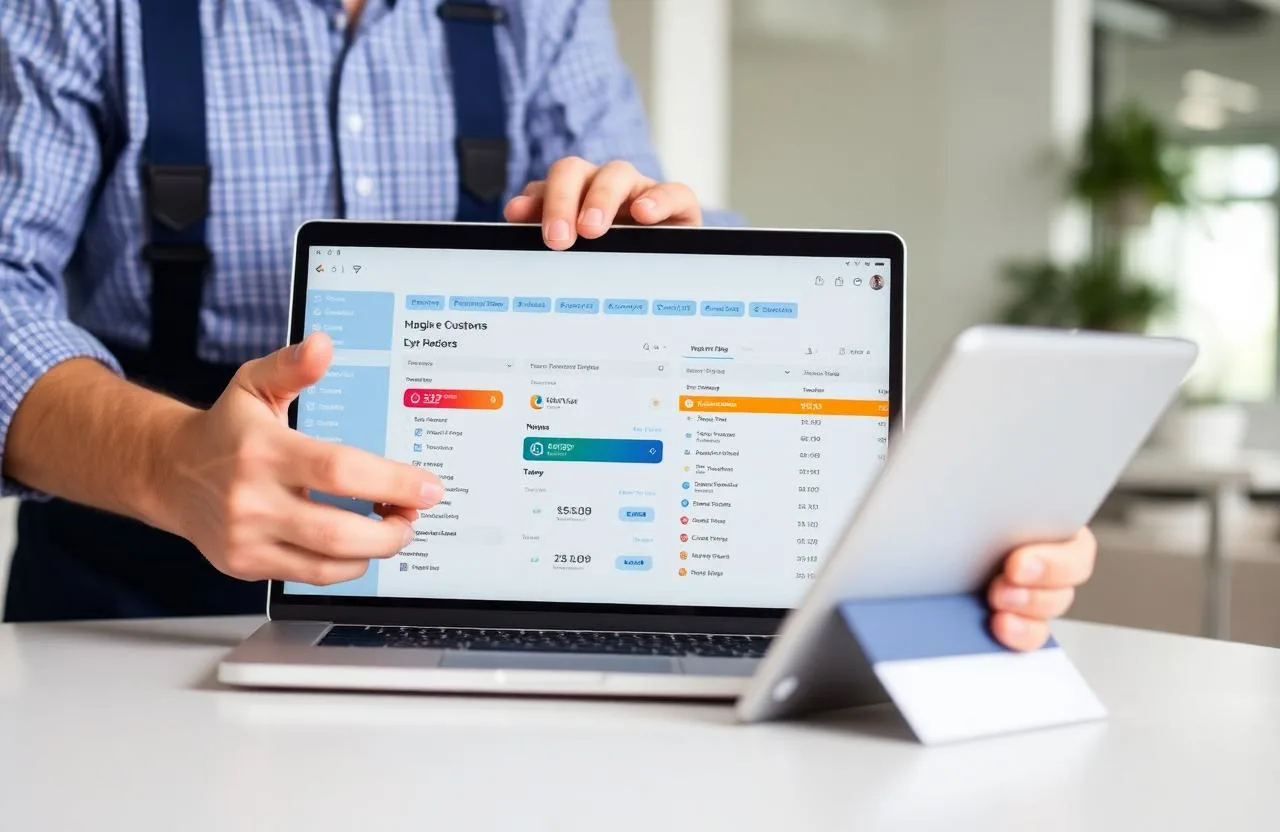
Handyman invoice software creates, sends, tracks, and collects payment on professional invoices for completed work. It replaces handwritten receipts and manually built spreadsheet invoices with a document that looks polished, arrives instantly, and lets the customer pay by card, bank transfer, or digital wallet without extra steps.
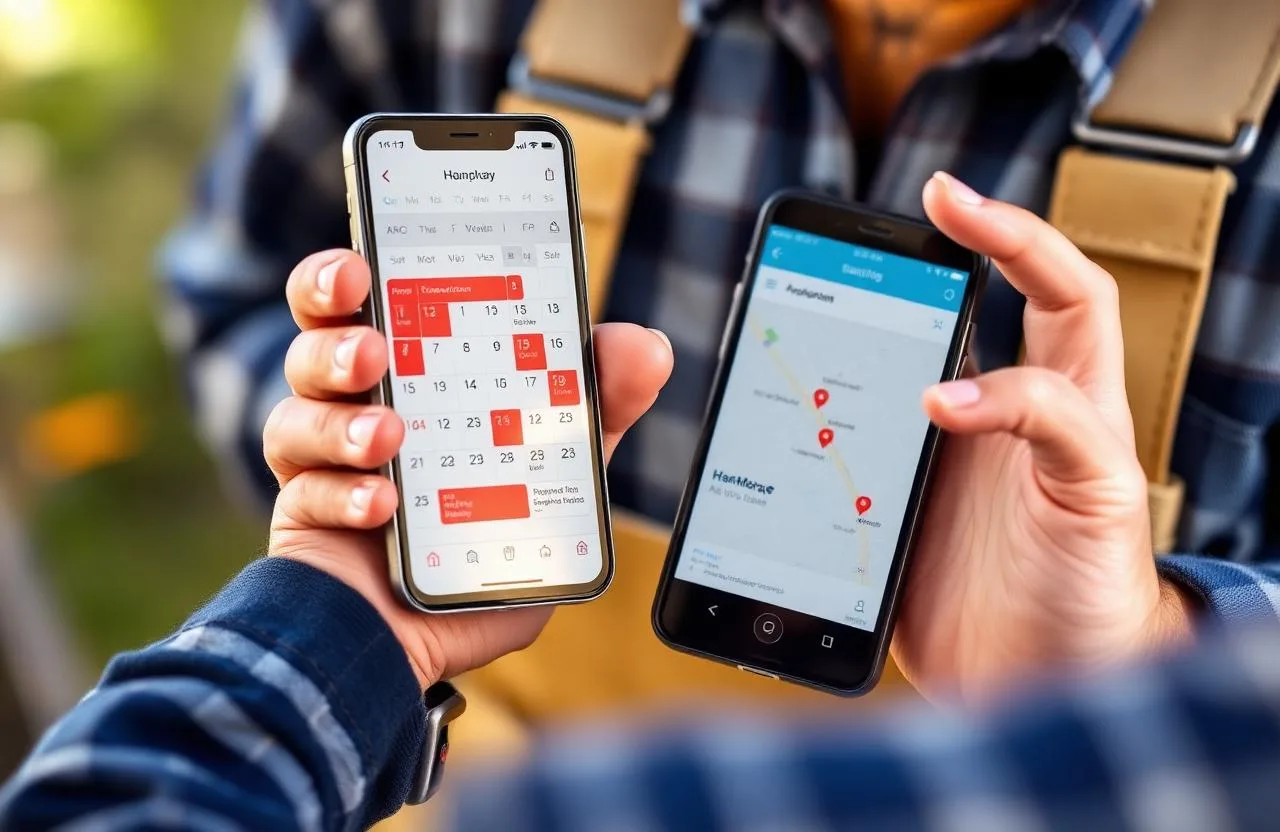
Basic tools just handle the document. More capable platforms connect that invoice to the estimate and job that came before it, carrying line items forward automatically so nothing needs to be typed twice. The most useful platforms go further still, tying invoicing into your customer records, scheduling, and accounting so the entire path from first inquiry to final payment lives in one place.
Why Invoicing Speed Affects Cash Flow Directly
An invoice sent from the job site — while the customer is still there and happy with the work — is the easiest possible moment to collect payment. Wait a day, and the customer has to recall yesterday's job and dig up payment details on their own time. Wait three days, and the invoice is competing with everything else in their inbox.
Run the math across a real week: five customers owing $300 each, with invoices that took a week to go out, means $1,500 sitting uncollected that could have been paid same-day. At the scale of a business running thirty-plus jobs a month, that gap becomes a genuine cash flow problem — not just a professionalism issue.
Key Features to Look For
- One-tap invoice creation — the invoice should pull straight from the completed job and estimate, not require rebuilding the scope from scratch
- Mobile-first design — a tool that needs a desktop to look professional isn't built for someone standing at a truck between jobs
- Built-in payment collection — card, Apple Pay, Google Pay, and ACH links embedded directly in the invoice
- Delivery and open tracking — knowing whether an invoice was received and viewed tells you when to follow up
- Automated payment reminders — reminder sequences at set intervals after the due date
- QuickBooks sync — paid invoices flowing straight into your accounting eliminates double-entry bookkeeping
- Connection to estimates and jobs — the strongest platforms treat invoicing as the last stage of one connected workflow
Best Handyman Invoice Software in 2026
Jobber
Best for: growing handyman businesses that want invoicing tied tightly to scheduling and estimates.
Jobber converts an approved estimate to an invoice in one click and sends it with a payment link the moment a job is marked complete. Its client hub lets customers view invoice history and pay outstanding balances themselves, cutting down on direct payment conversations. QuickBooks sync keeps books current without manual entry — though two-way text delivery and QuickBooks integration require the Connect tier and up.
Pricing: Core ~$39/month (1 user) · Connect ~$119/month · Grow ~$199/month
Housecall Pro
Best for: businesses processing high invoice volume that want same-day payouts and financing options for bigger jobs.
Housecall Pro's edge is getting paid fast: card-on-file, quick mobile checkout, and financing that lets a customer spread a larger repair bill over payments. Its Instapay feature deposits collected payments the same day rather than the usual two-to-three business day wait, which meaningfully helps cash flow for busier operations. Estimates and QuickBooks sync require the Essentials tier.
Pricing: Basic $59/month · Essentials $149/month (adds estimates + QuickBooks) · MAX $299/month
Joist
Best for: a solo handyman who just needs fast, clean mobile invoices — nothing more.
Joist is built around one task and does it well: a professional invoice, created on a phone in under a minute, with card or PayPal payment built in. For a handyman doing a handful of jobs a week who doesn't yet need scheduling or a CRM, that focused simplicity is the whole point.
Pricing: Free (~5 documents/month) · Pro ~$15/month · Elite ~$32/month
Wave
Best for: brand-new or side-business handymen who want invoicing and basic bookkeeping at zero monthly cost.
Wave's core invoicing and accounting tools are free, covering clean, professional invoices and basic income/expense tracking. There's no scheduling, dispatch, or CRM here — but for someone just starting out, it's a genuine free way to look professional from day one. Payment processing runs standard card and ACH rates on top.
Pricing: Starter $0/month · Pro $16/month (adds receipt scanning, priority support)
Zoho Invoice
Best for: handymen who want more than Wave offers — a client portal, time tracking, multi-currency — still for free.
Zoho's invoicing product is free with no subscription tier, and includes a self-service client portal where homeowners or property managers can view and pay invoices on their own. The free plan covers up to 1,000 invoices a year and five active clients — generous for a new business, though the client cap becomes a real limit as you grow.
Pricing: $0/month (up to 1,000 invoices/year, 5 clients)
Where a Connected System Changes the Math
Every platform above treats invoicing as a standalone job — even the good ones still require you to manage your website and lead capture somewhere else entirely. FixerCRM handles invoicing as the last step of one connected loop instead: a job marked complete pulls its line items straight from the original estimate, sends the customer a payment link by text or email immediately, and triggers a reminder automatically if it goes unpaid past your set window.
Because it's the same system as your website and CRM, the customer's full history — past jobs, prior payments, any notes — is right there the moment you create the invoice. That matters when a returning customer has a balance, or a property manager is tracking costs across several addresses. And once payment lands, it flows straight into your review-request automation, so getting paid isn't the end of the interaction — it's the start of the next one.
What's included: a custom handyman website live in 7 days, CRM, estimating, scheduling, connected invoicing, and automation — for a flat $97/month, $0 setup fee, no contracts.
How to Choose the Right Invoice Software
If you're just starting out, begin with a free tier — Wave, Zoho Invoice, or Joist's free plan — and focus on the habit that matters most: sending the invoice on-site, the moment the job is done. The tool matters less than the discipline at this stage.
If you're doing more than ten jobs a week and spending real time on invoice creation or payment follow-up, a paid platform in the $15–$50/month range earns its cost back within days.
If you want invoicing connected to scheduling, estimates, and a CRM, budget for the tier that includes that — Jobber's Connect plan, Housecall Pro's Essentials tier, or a bundled system like FixerCRM.
Invoicing Mistakes That Delay Payment
Sending invoices days later. Every day of delay lowers the odds of a fast, undisputed payment. Send it before you leave the job site.
No built-in payment link. Asking a customer to call, mail a check, or open their banking app separately adds friction that costs you speed.
No reminder system for unpaid invoices. Most unpaid invoices aren't refusals — they're invoices that got buried in an inbox. One automated reminder a few days past due recovers a large share of them.
No written estimate behind the invoice. An invoice for work that was never approved in writing is a dispute waiting to happen. Every invoice should trace back to a signed estimate.
Re-entering the same details three times. Retyping scope and cost from estimate to job to invoice wastes time and invites mistakes. A workflow where each stage feeds the next automatically removes that entirely.
Frequently Asked Questions
What's the best free handyman invoice software? Wave offers genuinely unlimited free invoicing at standard card-processing rates. Zoho Invoice is free up to 1,000 invoices a year and five clients, with a client portal included. Joist's free tier caps at a handful of documents a month. All three work well for a new or side-business handyman before volume justifies a paid plan.
How fast should a handyman send an invoice after a job? Immediately — ideally before leaving the property. Invoices sent while the customer is still on-site get paid faster and get disputed less often than ones sent the next day.
Does handyman invoice software connect to QuickBooks? Yes — Jobber, Housecall Pro, and most established platforms sync paid invoices to QuickBooks automatically, usually starting at a mid-tier plan rather than the base one.
Is paid invoice software worth it? For any handyman running more than about ten jobs a month, generally yes. The time saved on document creation, follow-up, and bookkeeping typically outweighs a $15–$50 monthly cost well within the first couple of weeks.
Final Thoughts
The handyman who invoices from the truck before driving off the property gets paid faster, disputes less, and looks more established than one who invoices from memory at the end of the week — same skill, same rates, different system.
Start with whatever matches your current size: a free tool if you're just getting going, a connected platform once estimate-to-invoice handoffs start costing you real time. If you'd rather have invoicing, estimates, scheduling, and your website all working from the same system, get a free quote and see what FixerCRM can set up for your business in 7 days.
Ready to grow?