Best Handyman Estimate Software: Create Fast, Professional Quotes That Win More Jobs (2026 Guide)
Compare Jobber, Housecall Pro, Joist, QuoteIQ, and ServiceTitan — and see how connected estimating turns fast, professional quotes into booked jobs.

Every job starts with an estimate — not a guess on a notepad, not a number given over the phone, but a clear, itemized document showing exactly what the work involves and what it costs. Most handymen aren't bad at pricing jobs. The problem is that estimates take too long to put together, look rough when built by hand, and often arrive after the customer has already booked someone faster.
Handyman estimate software fixes all three at once: it makes a professional quote fast enough to send from the driveway, polished enough that customers say yes with confidence, and connected enough that an approved estimate flows straight into scheduling and invoicing without re-entering anything.
This guide covers what estimate software does, why speed and presentation matter as much as price, the strongest platforms in 2026, and how to pick the right one.
What Is Handyman Estimate Software?
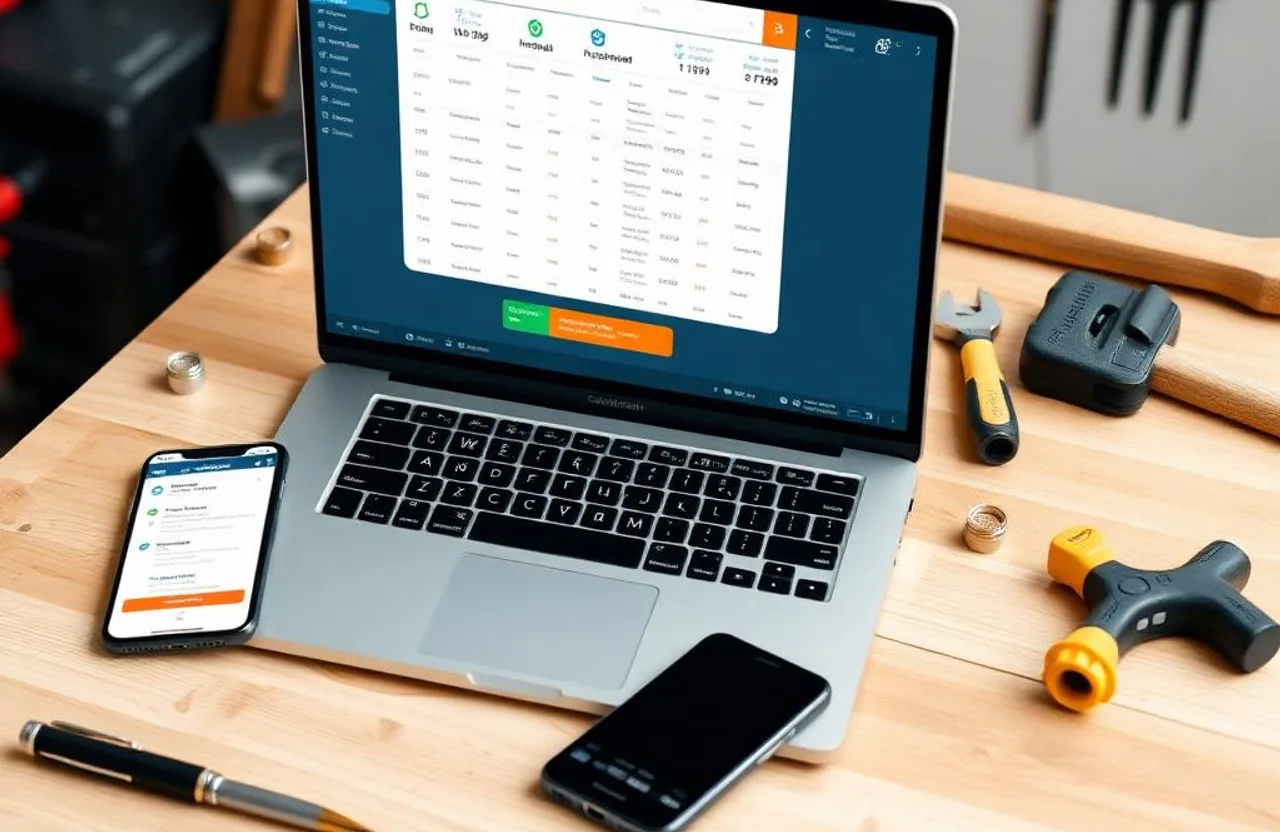
Handyman estimate software builds, sends, and tracks professional price quotes. It replaces handwritten quotes and generic templates with branded, itemized estimates you can put together in minutes, often from a phone while still standing in the customer's driveway.
At a basic level, it's just the document — labor, materials, your branding, a total. At a more useful level, it's connected: an approved estimate becomes a scheduled job automatically, and a completed job generates an invoice from the same line items, with payment collected without retyping anything.
The gap between a real estimate document and a price texted over is the gap between a business that looks established and one that looks informal — and homeowners are making that trust call before they've seen a single tool come out of the truck.
Why Fast, Professional Estimates Win Jobs
Response speed is one of the strongest predictors of who gets hired when a homeowner is comparing more than one contractor. Someone who gets a clean, itemized quote back within twenty minutes — while still waiting to hear from the others — has often already decided before price even enters the conversation.
Speed matters, but so does accuracy. A quote rushed through without accounting for labor rate, material markup, and overhead isn't a win — it's a margin leak that compounds every time it happens. Good estimate software builds that structure in by default, so the number you send is genuinely profitable, not just competitive-looking.
It also solves the follow-up gap. Most handymen sending quotes manually have no real way to know if one was even opened, let alone whether the customer is still deciding. Software-based estimates show delivery and view status, support one-tap follow-up, and often include digital approval so you know the moment a customer signs off.
Key Features to Look For
- Mobile estimate creation — building a complete quote from a phone before leaving the property is the single highest-impact feature here
- A price book of common jobs — preset labor and material costs for your most frequent services turn a five-minute quote into a thirty-second one
- Digital approval and e-signature — a one-tap approval from the customer's phone, with a timestamped record if a dispute ever comes up
- Automatic conversion to job and invoice — an approved estimate should become a scheduled job, and a completed job an invoice, without rebuilding anything
- Material markup tracking — your standard markup applied automatically to supplied materials, rather than calculated by hand on every line
- Follow-up automation — a reminder sent a day or two after an unopened or unapproved quote recovers business that would otherwise just go cold
Best Handyman Estimate Software in 2026
Jobber
Best for: growing handyman businesses that want estimates, scheduling, and invoicing working as one seamless flow.
Jobber's estimate builder handles itemized quotes with photos, terms, and a one-click digital approval link that converts straight into a scheduled job. Its price book speeds up routine quotes, and its Good-Better-Best tiered pricing option lets customers choose among three price points rather than a single accept-or-decline number — a feature many handymen credit with lifting average ticket size. Two-way texting and QuickBooks sync sit behind the higher tiers.
Pricing: Core ~$39/month (1 user) · Connect ~$119/month · Grow ~$199/month
Housecall Pro
Best for: small teams that want strong estimate presentation alongside financing and payment tools.
The estimate builder here is clean and built for use right after a site visit, with labor, materials, and extra charges broken out clearly. Its consumer financing option is a real differentiator for jobs that run into the hundreds or thousands — letting a customer spread the cost rather than walk away. Note that estimating and QuickBooks sync sit behind the $149/month Essentials tier, not the base plan, so factor that into the real entry cost if quoting is your main need.
Pricing: Basic $59/month · Essentials $149/month (adds estimates + QuickBooks) · MAX $299/month
Joist
Best for: a solo handyman who needs fast estimates and invoices and nothing else.
Joist's whole design is built around one moment: building a clean estimate on a phone and sending it before you've backed out of the driveway. There's no scheduling or CRM layer here, which is exactly right for someone who isn't ready to pay for features they won't touch yet.
Pricing: Free (~5 documents/month) · Pro ~$15/month · Elite ~$32/month
QuoteIQ
Best for: handymen who want a modern, mobile-first estimating tool with routing built in, at an accessible entry price.
QuoteIQ's estimate builder includes a flexible price book, photo documentation on quotes, digital approval, and automatic conversion to invoices, plus route sequencing for multi-stop days. It's built specifically around the pace of general handyman work rather than a single-trade specialty.
Pricing: Core ~$30/month · Connect ~$99/month · Grow ~$149/month
ServiceTitan
Best for: large operations with complex pricing needs and dozens of technicians across a service area.
ServiceTitan's dynamic pricebook adjusts estimates automatically based on job variables, location, and customer history — genuinely sophisticated for operations at real scale. For the typical handyman business, though, it's far more platform than the job calls for, starting near $265 per technician per month with custom, sales-led pricing.
How to Choose the Right Estimate Software
Solo operators just getting started should begin with Joist or a comparable free tier — speed and simplicity matter more than feature depth at this stage. A clean estimate sent within five minutes of leaving the job beats a powerful tool you spend twenty minutes learning to use.
Growing businesses with a couple of technicians should look at Jobber or QuoteIQ, where estimates connect straight into scheduling, invoicing, and payment — the full loop matters more as job volume climbs.
Larger operations with complex pricing needs should look at Housecall Pro's Essentials tier or ServiceTitan, depending on how much sophistication the pricing structure actually requires.
Estimating Mistakes That Cost Handymen Money
Building every quote from scratch. A price book for your most common jobs turns routine estimates into a thirty-second task instead of a rebuild every time.
Sending estimates too slowly. A quote that arrives half a day later is competing against ones that arrived within the hour — speed is a real competitive edge here.
Underpricing from an incomplete calculation. Skipping overhead, markup, or travel time in the math makes a business look affordable while quietly eating its own margin on every job.
No follow-up on unanswered quotes. Most silence isn't a rejection — it's a customer who got busy or compared options. A single follow-up a day or two later converts a meaningful share of these.
Verbal pricing with no written record. A number agreed over the phone and disputed later is one of the most common sources of payment friction. Every job should trace back to a written, approved estimate.
Frequently Asked Questions
What's the best handyman estimate software in 2026? Jobber suits handymen who want a polished, all-in-one tool covering estimates through invoicing. Housecall Pro fits businesses that also want strong payment processing and financing. Joist is the fastest, simplest option for solo operators who just need clean mobile quotes. For estimating connected to a full website, CRM, and lead system, FixerCRM covers the complete workflow.
Is there free handyman estimate software? Yes — Joist offers a free tier for a limited number of documents monthly, and Wave and Zoho Invoice both cover basic estimating alongside their free invoicing tools. Paid platforms starting around $20–$30/month add meaningfully more capability once volume grows.
Can estimate software connect to scheduling and invoicing? Yes, and this is one of the most valuable features to look for. The strongest platforms convert an approved estimate directly into a scheduled job and then an invoice, with no manual re-entry between steps.
How long should a handyman estimate take to build? For a routine job — TV mounting, drywall patching, a ceiling fan install — a well-set-up price book gets a complete estimate built and sent in under two minutes from a phone.
Where Estimating Fits Into a Bigger System
Estimating software on its own still leaves your website, lead capture, and customer records as separate problems. FixerCRM builds the estimate step directly into the same system as your website and CRM: a quote created on-site is tied to the customer's full history, shows up in your lead pipeline the moment it's sent, and converts straight into a job and then an invoice without retyping anything. If a quote sits unanswered, a follow-up goes out automatically instead of quietly going cold.
What's included: a custom handyman website live in 7 days, CRM, connected estimating, scheduling, invoicing, and automated follow-up — for a flat $97/month, $0 setup fee, no contracts.
Final Thoughts
A handyman who sends a fast, professional estimate wins more jobs than one who sends a slow or informal one — same skill, same market, same rates. The estimate is the first real impression your business makes, and it shapes everything that follows.
Match the tool to where your business is now: a free option if you're just starting, a connected platform once the handoffs between quoting, scheduling, and invoicing start costing real time. If you'd rather have estimating working from the same system as your website and CRM, get a free quote and see what FixerCRM can set up for your business in 7 days.
Ready to grow?