All articles
August 6, 20269 min read

Handyman Job Management and Field Service Software: The Complete Guide for 2026

What separates job management from field service software, the best platforms for multi-technician dispatch, and how to choose by team size.

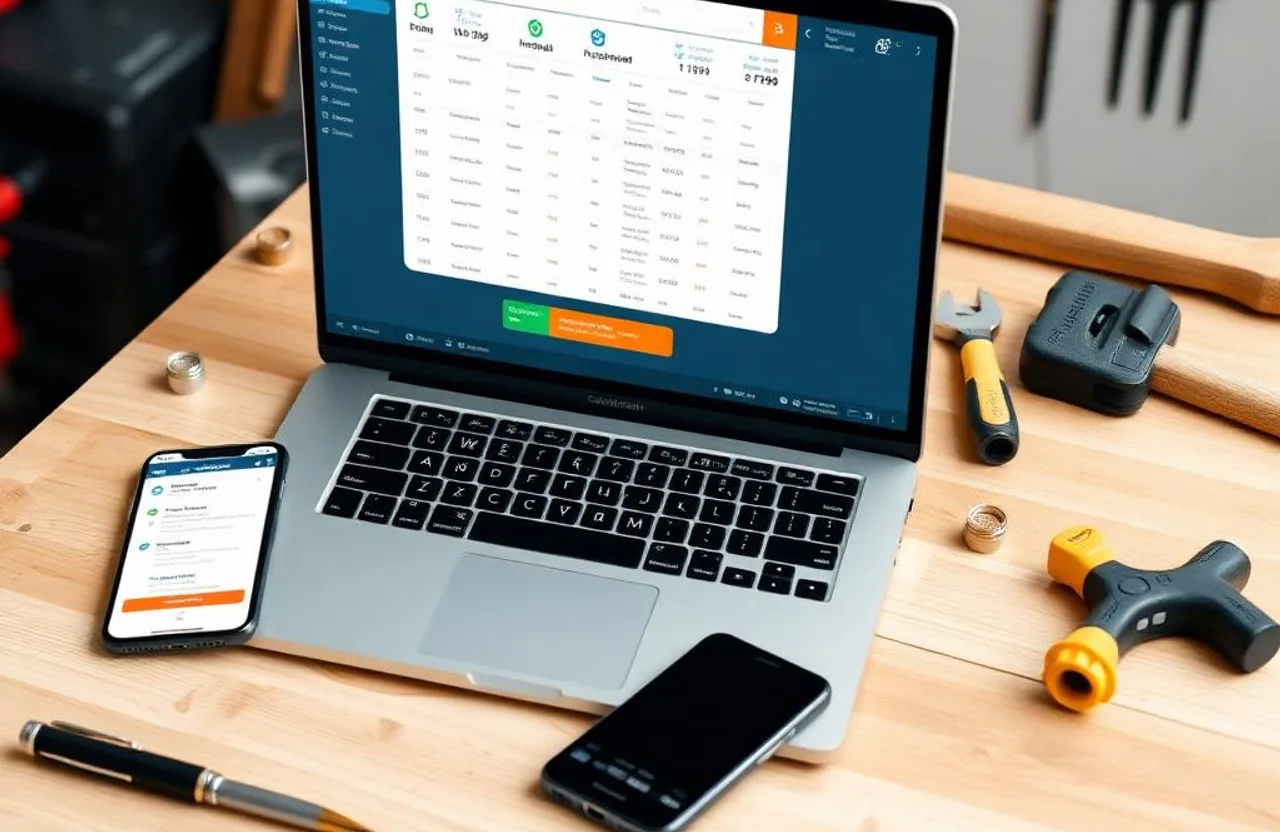
Handyman reviewing a job management dispatch board and technician route map on a laptop and phone in a workshop office

Every handyman business that grows past a handful of weekly jobs hits the same wall. The schedule that used to live in one person's head starts producing double-bookings. A customer's text thread from last week gets buried under a dozen others. An estimate that went out but was never followed up on quietly becomes a job someone else won.

None of that means the business is being run poorly — it means it's outgrown its tools. This guide focuses specifically on two closely related categories that address that gap: job management software and field service software. It covers what actually separates the two, when the difference matters, and which platforms handle multi-technician coordination best once a handyman business grows past a single operator.

Job Management vs. Field Service Software: What's the Real Difference?

Job management software organizes the lifecycle of a single job — inquiry, estimate, schedule, execution, invoice, payment — in one tracked record instead of scattered across calls, texts, and paper notes.

Field service software covers all of that and adds a coordination layer for work happening across multiple locations at once: dispatching technicians in real time, sequencing routes across a service area, tracking who's where, and giving office staff and field workers a shared live view instead of a phone call every time something changes.

For a solo handyman, this distinction barely matters — either category gives you a way to stay organized and look professional. It becomes genuinely important once a business has three or more technicians: who's closest to an urgent same-day call, who's carrying the right materials, how does an afternoon reassignment reach someone without interrupting the job they're already on. In practice, most platforms sold to handyman businesses blend both categories, and the terms get used interchangeably — the real question is whether a platform's dispatch and coordination features match your actual team size, not which label it uses.

Why This Matters More for Handymen Than Single-Trade Contractors

A plumber's day is mostly standardized service calls. A handyman's day might mix drywall repair, a ceiling fan install, a door adjustment, and furniture assembly — each with a different pricing model and different material needs. Software that assumes one rigid billing structure creates friction on almost every job here, which is why flexible, fast estimating matters more for handymen than it does for single-trade operators.

At low volume, a sharp operator can hold all of this together manually. Past thirty or forty jobs a week across even a small team, manual coordination reliably produces the errors — missed follow-ups, double-bookings, late invoices — that cost real revenue.

What to Look For, Specifically for Multi-Technician Coordination

  • Job creation from a phone in under two minutes — customer info, job details, location, and notes on one record, not spread across a form and a separate note-taking step.
  • A dispatch board showing the whole team — assigning, reassigning, and seeing who's free at a glance prevents the majority of scheduling conflicts.
  • Estimates that convert straight into a job, with no separate re-entry step where details get lost.
  • Automated confirmations, reminders, and on-my-way notifications running without anyone typing them per customer.
  • Full mobile access — schedule, customer notes, job status, photos, and invoicing, all usable from a phone in the field.
  • Invoicing that pulls from the completed job rather than being rebuilt from scratch.
  • Missed-call and lead response automation, so a lead stays engaged until a personal response is possible.

In competitive local markets, several handymen are often contacted for the same job — whoever responds first has a real edge. Our guide on why missed calls are costing contractors thousands of dollars covers the scale of this specifically.

Platforms Built for Multi-Technician Dispatch

Tradify

Best for: small teams of one to ten wanting a job-management tool built specifically for trade businesses, with clean mobile tracking.

Tradify organizes work through defined stages — quoted, scheduled, in progress, completed, invoiced — visible on one dashboard, with a mobile app that covers the full loop without a desktop step anywhere. Time tracking against individual jobs is a good fit for handymen mixing hourly and flat-rate billing in the same week, and it syncs with QuickBooks Online and Xero.

Pricing: 14-day free trial · Starter ~$15/month (1 user) · Grow ~$35/month (5 users) · Expand ~$65/month (unlimited users).

Workiz

Best for: businesses generating a lot of leads by phone that want built-in call tracking alongside dispatch.

Workiz's real differentiator is native call recording and attribution — most competitors skip this or charge extra. For a handyman running paid ads, knowing which channel actually produced a booked call is a genuine edge for deciding where to spend marketing budget next.

Pricing: From ~$187/month for 3 seats.

Service Fusion

Best for: teams of four or more where per-user pricing on other platforms starts adding up.

Service Fusion charges a flat rate for unlimited users instead of billing per technician, covering scheduling, dispatch, estimates, invoicing, and payments. That pricing model becomes a real structural advantage the moment a fourth or fifth person joins the team.

Pricing: From ~$165/month, unlimited users.

Also Worth a Look

For most handyman businesses under ten technicians, Jobber, Housecall Pro, and QuoteIQ also handle dispatch and job tracking well and are covered in full detail — including current pricing — in our best handyman software guide. FieldPulse and Kickserv are also detailed there, alongside solo-focused and enterprise options.

Matching the Platform to Your Team Size

Fewer than 20 jobs a week, solo: Tradify's Starter tier or Kickserv's free plan covers the core loop without team-coordination features you don't need yet.

Growing past manual methods, one to three people: Jobber Core or QuoteIQ Essentials handle the full daily workflow at an accessible price — see our handyman scheduling software guide for more on this stage specifically.

Three to eight technicians needing real dispatch: Housecall Pro Essentials, Jobber Connect, or Service Fusion. At this size, Service Fusion's or FieldPulse's flat unlimited-user pricing often beats per-technician platforms on cost.

Job management connected to lead generation, not just operations: this is where FixerCRM differs from every platform above — see below.

Implementation Mistakes Worth Avoiding

Comparing entry prices without checking the all-in cost. Payment processing fees, marketing add-ons, and integration costs are common across this category — the advertised base price is rarely what a business actually using the platform pays.

Running the old system alongside the new one. Keeping manual scheduling alive while also trying to use new software means neither is reliable, and admin work briefly doubles. Switch fully, on day one.

Skipping automation setup. Reminders, follow-ups, and missed-call responses need their timing and content configured before they run — this step gets skipped more often than it should, and then the platform gets blamed for not delivering.

Not testing the mobile app for real. A great desktop demo doesn't guarantee a usable field app — test it with a real job before committing.

Starting from a blank customer database. Import existing customer history at setup rather than losing months of context.

Where FixerCRM Fits

Most job management and field service platforms assume lead generation is someone else's problem — a website from one vendor, dispatch software from another, with no connection between them. FixerCRM builds the two together: a professional handyman website with lead capture, tied directly to a CRM and scheduling system, plus missed-call text-back automation that responds the moment a call goes unanswered. Every job traces back to a lead your own system captured, rather than one that arrived through a channel with no visibility into where it came from.

What's included: a custom website live in 7 days, CRM, scheduling, estimating, invoicing, and automated follow-up for a flat $97/month, $0 setup fee, no contracts.

Bottom Line

Job management and field service software don't change the quality of the work — they change how reliably the business around it runs: every job tracked, every customer communicated with, every invoice sent on time.

Ready to grow?

See how FixerCRM books more jobs for contractors

Get Started

Related Articles

Keep reading

All articles
handyman checking customer leads from mobile phone

Why Handyman Businesses Need More Than Just a Website

Modern websites are designed to build trust and generate leads. Learn how better designs help service businesses book more jobs online.

Read article
contractor receiving missed call text back notification

How Missed Call Text-Back Helps Contractors Book More Jobs

Missed calls cost contractors thousands of dollars in lost jobs every month. Here's how automation closes the gap.

Read article
modern HVAC contractor website on desktop and mobile screen

What Makes a Good HVAC or Contractor Website?

Most contractor websites look almost the same. Here's what separates a high-converting site from an outdated brochure.

Read article
Why gutter contractors lose online leads due to poor SEO and outdated websites

Why Most Gutter Contractors Lose Leads Online (and How to Fix It)

Most gutter contractors still rely on referrals while competitors win jobs online. Here's how to stop losing leads with better SEO, websites, and CRM systems.

Read article
Local SEO strategy for handyman businesses to generate more jobs

How Local SEO Helps Handyman Businesses Get More Jobs

Most homeowners start with Google before hiring a handyman. Here's how local SEO helps your business rank higher and book more repair jobs.

Read article
Missed contractor calls leading to lost leads and revenue

Why Missed Calls Are Costing Contractors Thousands of Dollars

Every missed call can mean a lost estimate, installation, or repair project. Here's how automation recovers those leads.

Read article
Mobile-friendly contractor website optimized for SEO and lead generation

Why Mobile-Friendly Websites Matter for Contractors

Most homeowners search for contractors directly from their phones. A poor mobile experience costs you booked jobs every day.

Read article
Contractor CRM system dashboard for managing leads and projects

How CRM Systems Help Contractors Stay Organized

Missed callbacks, scheduling confusion, and lost estimates quickly become major problems. Here's how the right CRM solves them.

Read article
SEO-optimized contractor service pages for better Google rankings

Why Contractor Websites Need Service Pages for Better SEO

Cramming every service onto one page weakens local rankings. Dedicated service pages drive better SEO and more booked jobs.

Read article
HVAC technician service van with outdoor air conditioner unit

How HVAC Companies Can Generate More Service Calls Online

Referrals are unpredictable. Learn how modern websites, local SEO, and CRM automation help HVAC contractors generate service calls year-round.

Read article
Professional electrician working on residential electrical panel

Why Electricians Need Local SEO to Grow Their Business

Local SEO helps electrical contractors appear when homeowners search for emergency electricians, panel upgrades, and EV charger installations.

Read article
Plumber repairing pipes under a kitchen sink while using a tablet

How Plumbing Companies Can Book More Jobs Through Their Website

Plumbing customers need help fast. A professional website with online booking and local SEO turns urgent searches into booked jobs.

Read article
Roofing contractor inspecting shingled roof with clipboard

How Roofing Companies Can Win More Estimates Online

Roofing is a major investment. Win more estimates with a professional website, project galleries, local SEO, and a strong CRM workflow.

Read article
Professional painter rolling fresh paint on interior wall

Why Painting Contractors Need Professional Websites

Painting is highly visual. A professional website with project galleries and local SEO builds trust and drives more quote requests.

Read article
Professional handyman with toolbelt standing beside a branded service van

500+ Handyman Business Names to Help Your Company Stand Out

Browse 500+ catchy, professional, and creative handyman business name ideas — plus tips on how to choose, check availability, and register the perfect name for your company.

Read article
Smiling handyman holding smartphone with Google reviews surrounded by marketing icons

Handyman Marketing: 15 Proven Strategies to Get More Local Customers

Discover 15 proven handyman marketing strategies — local SEO, Google Business Profile, paid ads, and referral systems — that bring in more booked jobs.

Read article
essential handyman tools laid out on a workbench including cordless drill, hammer, tape measure, screwdrivers and wrenches

Essential Handyman Tools List: 50+ Must-Have Tools for Every Job

The complete list of essential handyman tools — hand tools, power tools, plumbing, electrical, drywall, safety gear, and the digital tools that run the business.

Read article
confident handyman entrepreneur standing in front of a professional work van holding a tablet at a residential job site

How to Start a Handyman Business: Step-by-Step Guide for 2026

Everything you need to know to launch a profitable handyman business — from registration and licensing to pricing, marketing, and finding your first customers.

Read article
handyman business plan document with calculator, laptop and blueprints laid out on a wooden desk

Handyman Business Plan: Step-by-Step Guide + Free Template (2026)

A practical, step-by-step guide to writing a handyman business plan — with a free template covering services, pricing, startup costs, marketing, and financial projections.

Read article
handyman in flannel shirt and tool belt shaking hands with insurance agent over policy paperwork on a wooden table

Handyman Insurance: Types, Costs & How to Choose the Right Coverage (2026 Guide)

A complete guide to handyman insurance — general liability, tools and equipment coverage, workers' comp, and commercial auto — with costs, providers, and how to choose the right coverage.

Read article
Handyman calculating a job estimate on a clipboard at a customer's home

Handyman Pricing Guide: How to Estimate Handyman Jobs for Maximum Profit (2026)

Learn how to estimate handyman jobs, calculate your minimum profitable hourly rate, choose flat vs hourly pricing, and create professional estimates that win more jobs.

Read article
Handyman using a business management app on a smartphone inside a work van

Best Handyman Business Apps to Run and Grow Your Business (2026 Guide)

Compare the best handyman business apps for 2026 — from FixerCRM, Jobber, and Housecall Pro to Thumbtack, CompanyCam, and free tools that fit any budget.

Read article
Handyman reviewing customer records and job schedule on CRM software dashboard

Best Handyman CRM Software: Manage Jobs, Customers & Grow Your Business (2026 Guide)

Compare the leading handyman CRM platforms in 2026 — Jobber, Housecall Pro, ServiceTitan, FieldPulse, Kickserv, and Joist — and see why a connected website + CRM often beats stitching separate tools together.

Read article
Handyman viewing job calendar and route map on smartphone scheduling app

Best Handyman Scheduling Software for Growing Service Businesses (2026 Guide)

Compare Jobber, Housecall Pro, FieldVibe, OctopusPro, and ServiceTitan — and see how a connected website + calendar cuts no-shows and double-bookings for good.

Read article
Handyman on job site sending a professional invoice from a smartphone app

Best Handyman Invoice Software: Get Paid Faster and Look More Professional (2026 Guide)

Compare Jobber, Housecall Pro, Joist, Wave, and Zoho Invoice — and see how on-site invoicing connected to estimates and jobs helps handymen get paid faster.

Read article
Handyman in a customer driveway building a professional itemized estimate on a tablet

Best Handyman Estimate Software: Create Fast, Professional Quotes That Win More Jobs (2026 Guide)

Compare Jobber, Housecall Pro, Joist, QuoteIQ, and ServiceTitan — and see how connected estimating turns fast, professional quotes into booked jobs.

Read article
Handyman dispatch scheduling software calendar planner shown on a tablet

Best Dispatch Software for Multi-Technician Handyman Teams (2026 Guide)

Compare the top dispatch platforms for multi-tech handyman teams and see how real-time job assignment stops double-booked crews and wasted drive time.

Read article
Handyman measuring sheet metal at a workbench — handyman CRM vs scheduling software comparison

CRM vs. Scheduling Software: What Handyman Businesses Actually Need First

CRM or scheduling software first? Here's how to tell which one actually fixes the bottleneck in your handyman business — and when you need both.

Read article
Handyman in branded uniform on smartphone in front of a home — handyman lead generation

Handyman Lead Generation: 15 Proven Ways to Get More Local Jobs in 2026

Fifteen lead generation strategies that hold up in 2026, how to convert leads into booked jobs, and where automation fits in.

Read article
Laptop and smartphone showing handyman business software dashboard on a workbench — best handyman software 2026

Best Handyman Software in 2026: Complete Guide to Running a Smarter Handyman Business

Compare the best handyman software for 2026 — CRM, scheduling, estimating, and invoicing — and match a platform to your team size and budget.

Read article
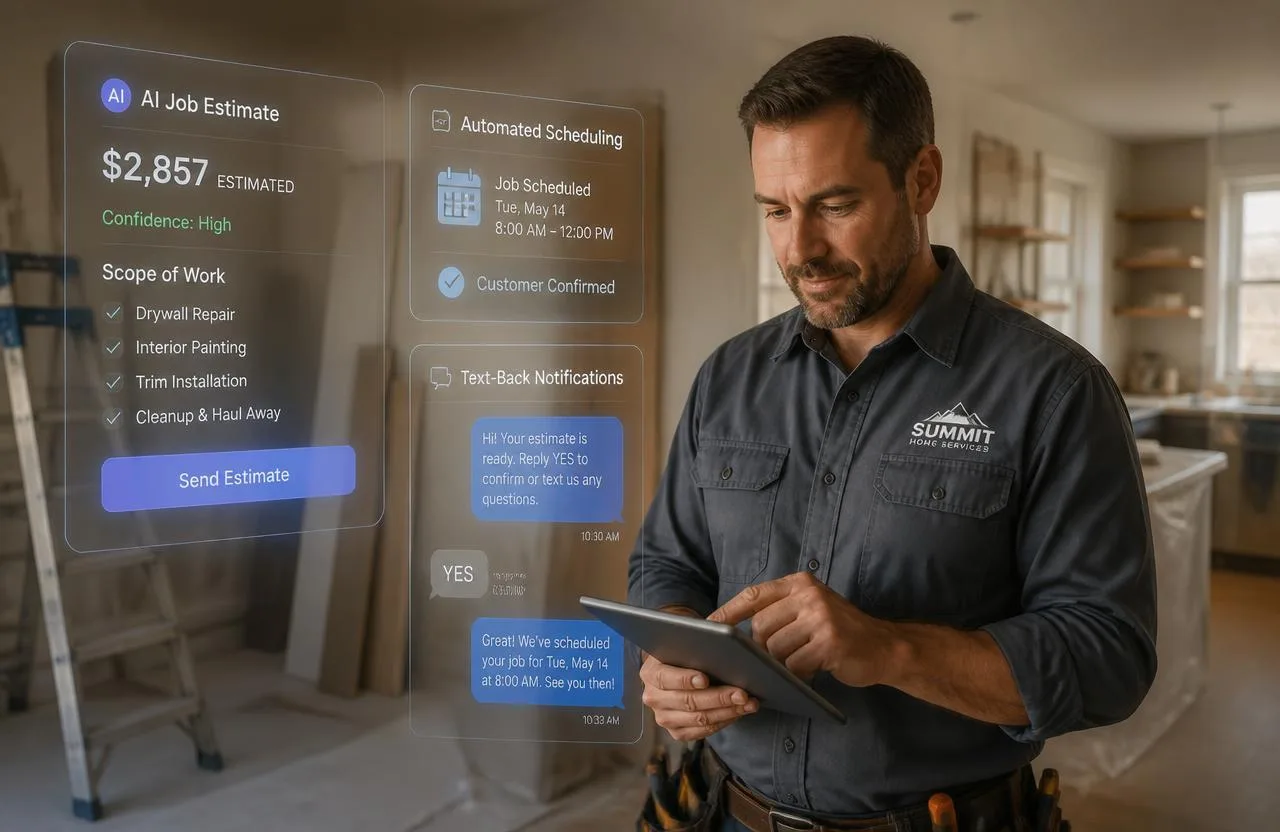
Handyman reviewing an AI-generated job estimate and automated scheduling on a tablet — AI for handyman businesses in 2026

AI for Handyman Businesses: How Artificial Intelligence Is Changing Home Service Operations in 2026

Where AI actually shows up in handyman operations in 2026 — photo-based estimates, missed-call text-back, automated follow-up, and smarter scheduling.

Read article